Nutrition values
A reliable nutrition database
Plans and analyses are only as good as the data behind them. In Germany, the BLS (German Nutrient Database) is the standard. Ask where the values come from and how missing values are shown.
Buying guide
Nutrition calculation, client file, client portal, appointments and invoices: what software for nutrition professionals should be able to do, how to check it during the trial and how nutriam covers each point.
Six criteria
Nutrition values
Plans and analyses are only as good as the data behind them. In Germany, the BLS (German Nutrient Database) is the standard. Ask where the values come from and how missing values are shown.
Client file
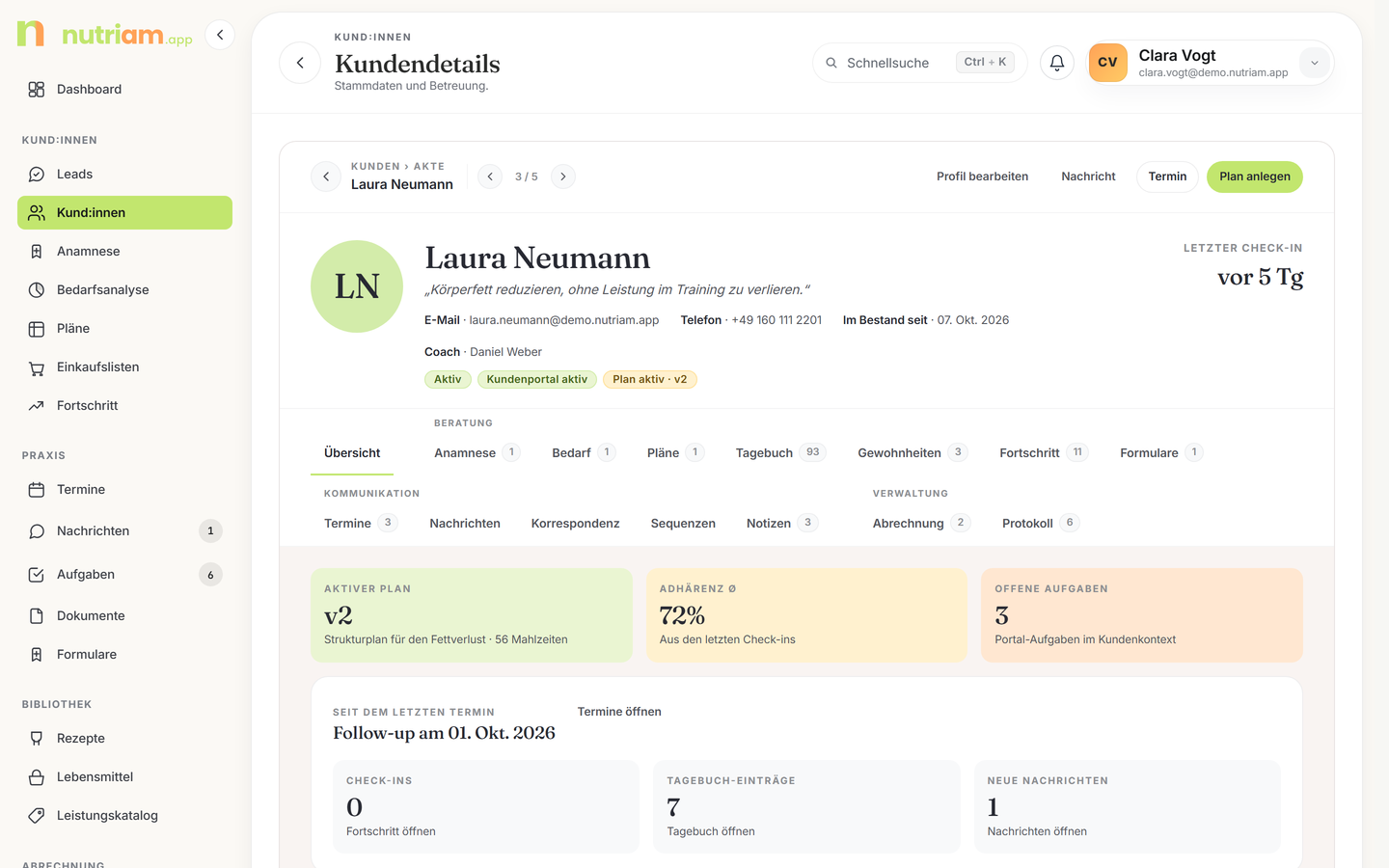
Personal details, intake, energy and nutrient requirements, plans and notes belong in one client file. As soon as you switch between spreadsheets, Word and your inbox, you lose time and overview.
Clients
Whether counselling works is decided between appointments. A portal with food diary, plan, shopping list and check-ins replaces photos sent by messenger and food diaries on paper.
Invoicing
Under the GoBD (German bookkeeping rules), invoices must be unalterable and numbered without gaps. Software should lock receipts and record corrections as cancellations instead of leaving them open to overwriting.
Data protection
You process health data, the strictest category under the GDPR (DSGVO). Check the server location, the data processing agreement and whether consent and its withdrawal are documented.
Costs
Some providers charge per client, others a flat fee. Calculate with your real number of clients and with the number a year from now. Per-client costs penalise exactly the growth you're hoping for.
During the trial
Create a client the way they really come to you: enquiry, intake, needs, first plan. Only your own case shows where things get stuck.
Invite yourself and log meals on your phone for two days. Whatever feels too fiddly to you there, your clients won't keep up with.
Write an invoice, try to change it afterwards and cancel it. That shows you whether locking and the number sequence really work.
Before you start, ask how you get your data back out and what notice period applies. Good software keeps you through value, not hurdles.
nutriam against the criteria
nutriam is built as an all-in-one solution for nutrition counselling and nutrition coaching: from enquiry to invoice in one workflow, in the browser and with nothing to install.
Frequently asked questions
Roughly four: nutrition calculation programs for plans and food diary analysis, general practice management for appointments and invoices, coaching apps focused on the client app, and all-in-one solutions that combine client file, plans, client portal and invoicing. Many practices today combine two or three separate tools.
With a handful of clients, spreadsheets and Word templates work. Invoices are where it gets tricky at the latest, because freely editable files don't meet the requirements of the GoBD (German bookkeeping rules). If you work in one tool early on, you won't have to move anything later.
The range is wide and depends on the pricing model: a flat monthly price or a price per client. At nutriam, the Start package costs €29 per month for up to 25 active clients, with the client portal included. The price comparison works through both models with your number of clients.
Three things: where the data is stored, whether the provider offers a data processing agreement and how consent is documented. nutriam runs in German Azure data centres, the data processing agreement is publicly available, and consent can be withdrawn in the portal.
Both, in one workflow. Nutrition plans and food diaries calculate with nutrition values from the BLS (German Nutrient Database), plus client file, client portal, appointment booking and GoBD-compliant invoices. The live demo shows on your own case who it suits and who it doesn't.
Yes. Personal details come into the client files by CSV import, and the portal invitations then go out in one batch. There is a separate guide each for moving from spreadsheets and from DGExpert.
Further reading: the price comparison works out what the models cost per year with your number of clients. The guides Switching from Excel and Switching from DGExpert describe the move. What nutriam looks like day to day is on the pages for solo practitioners and for teams, the packages under Pricing.
More features
Start for free: 14-day trial, no credit card, all features including the client portal.