
Help & handbook
nutriam in short videos
51 videos, mostly one to two minutes long, with subtitles: getting started, from the dashboard to your first invoice. More videos are available in German.
Get to know nutriam
The tour for anyone new to nutriam: from the first enquiry to the invoice in two minutes.
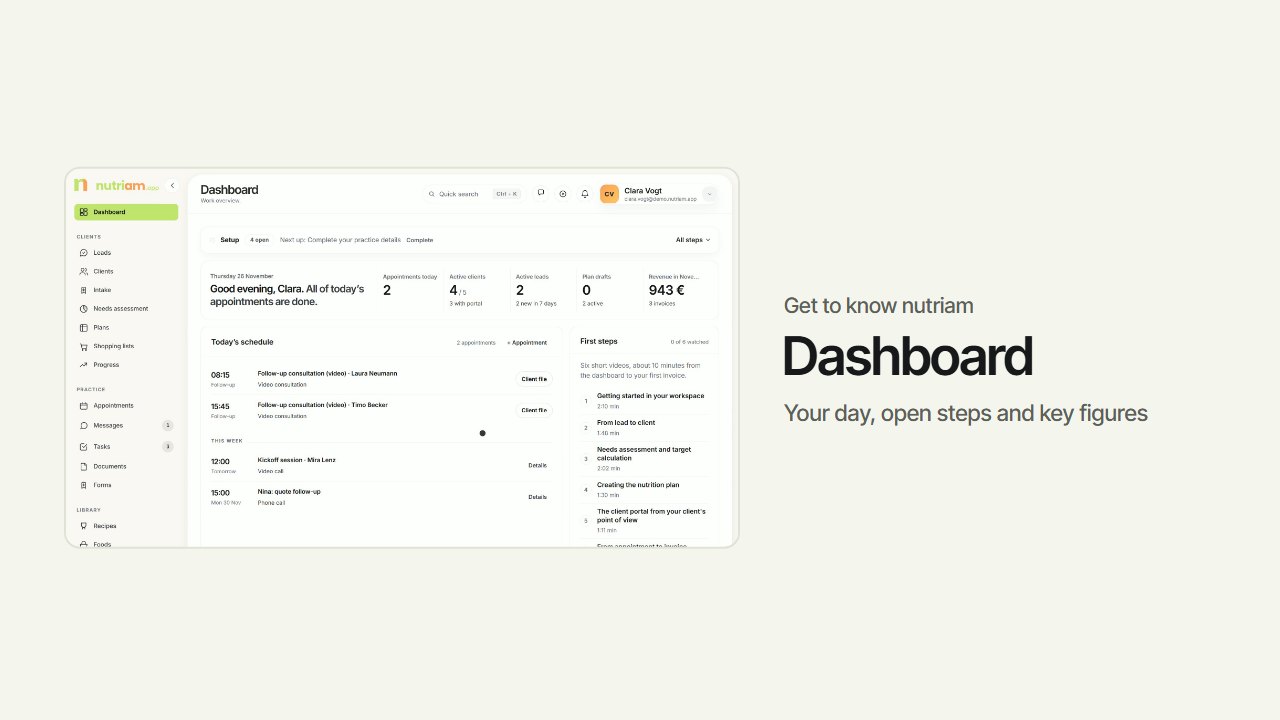
Onboarding for nutrition professionals
The starter course for new practices: from your first look at the dashboard to your first invoice.
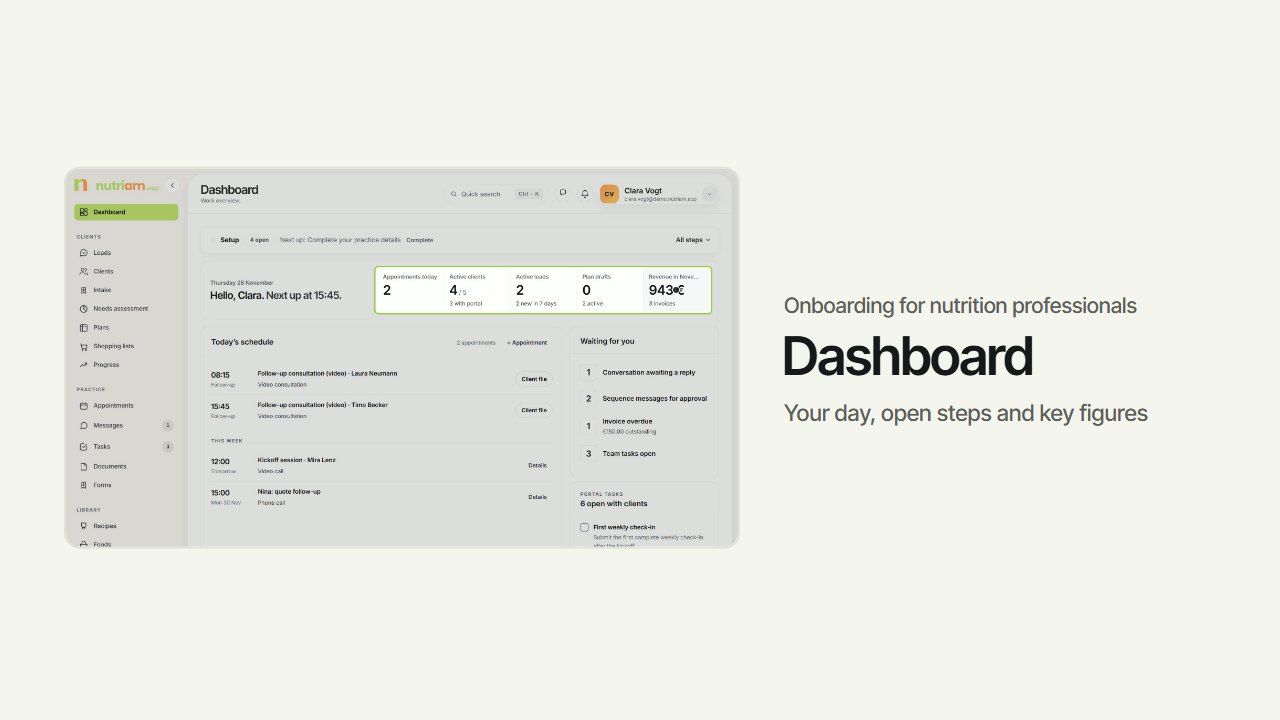 Getting started in your workspaceIn this video I'll show you, in just a few minutes, how the workspace in nutriam is laid out: the dashboard, the navigation and quick search.
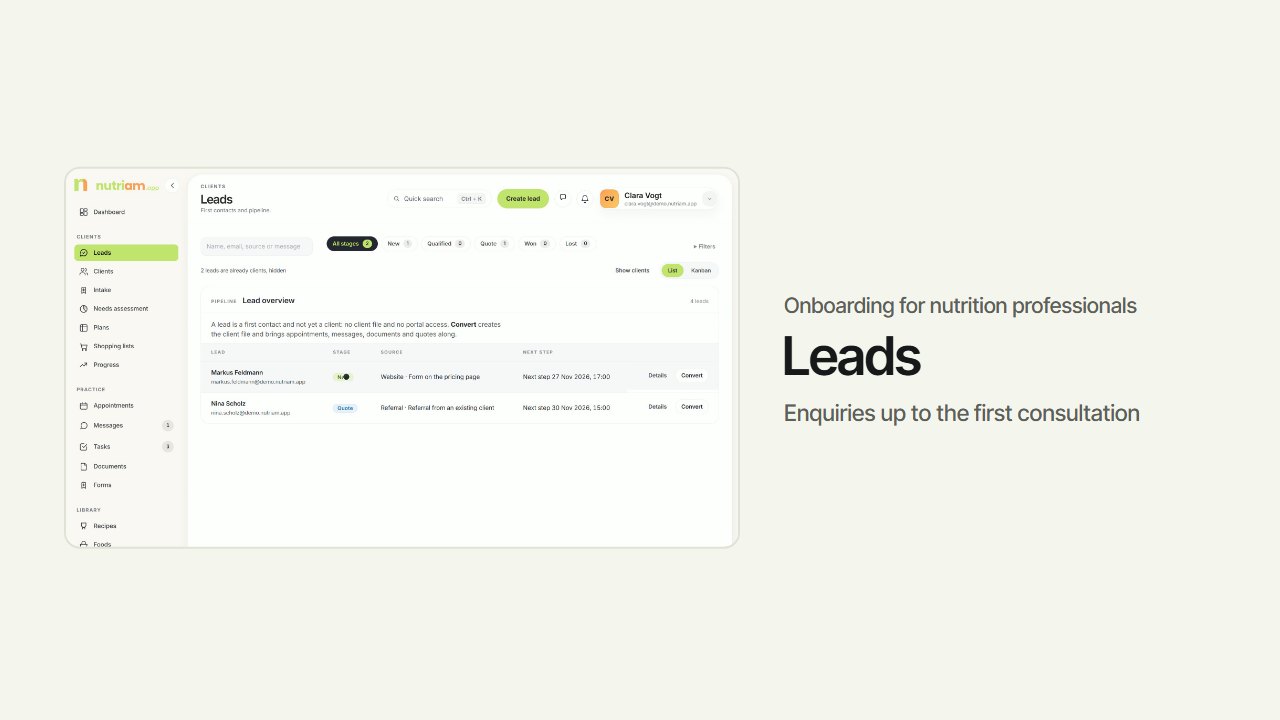 From lead to clientIn this video you'll see how an enquiry becomes a client in nutriam, step by step.
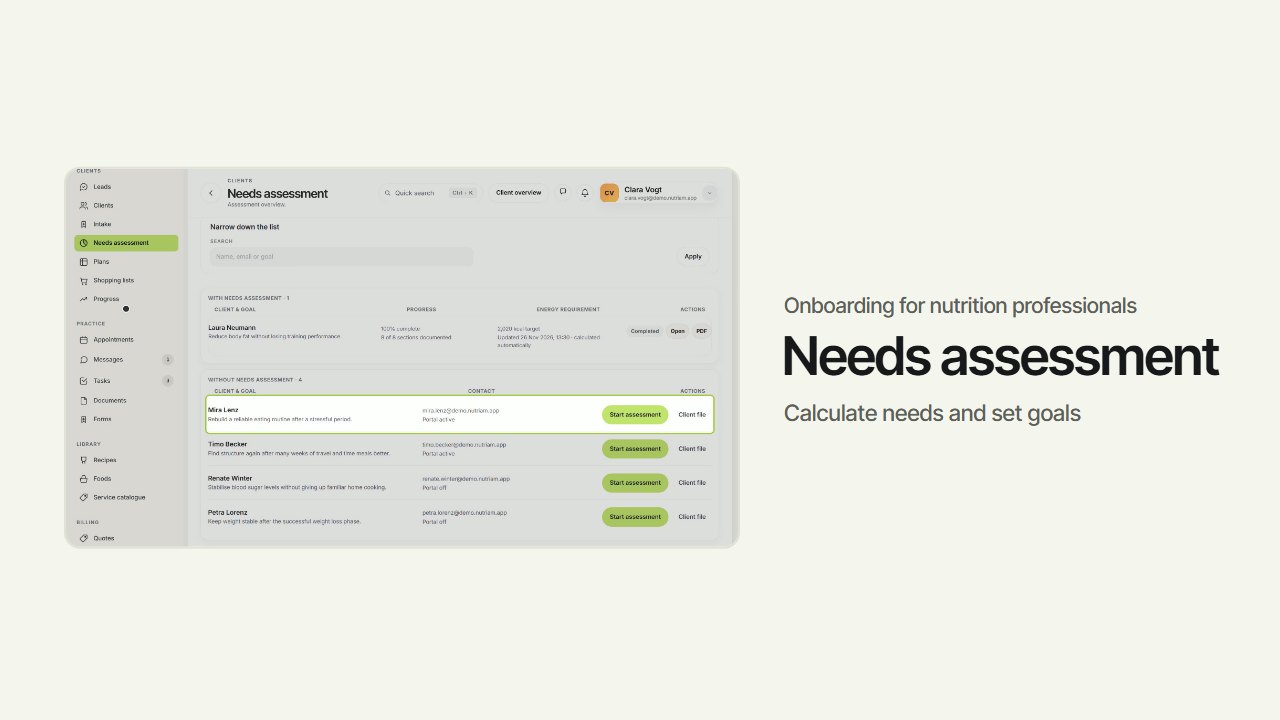 Needs assessment and target calculationIn this video you'll create a needs assessment in nutriam and calculate the calorie target for your client.
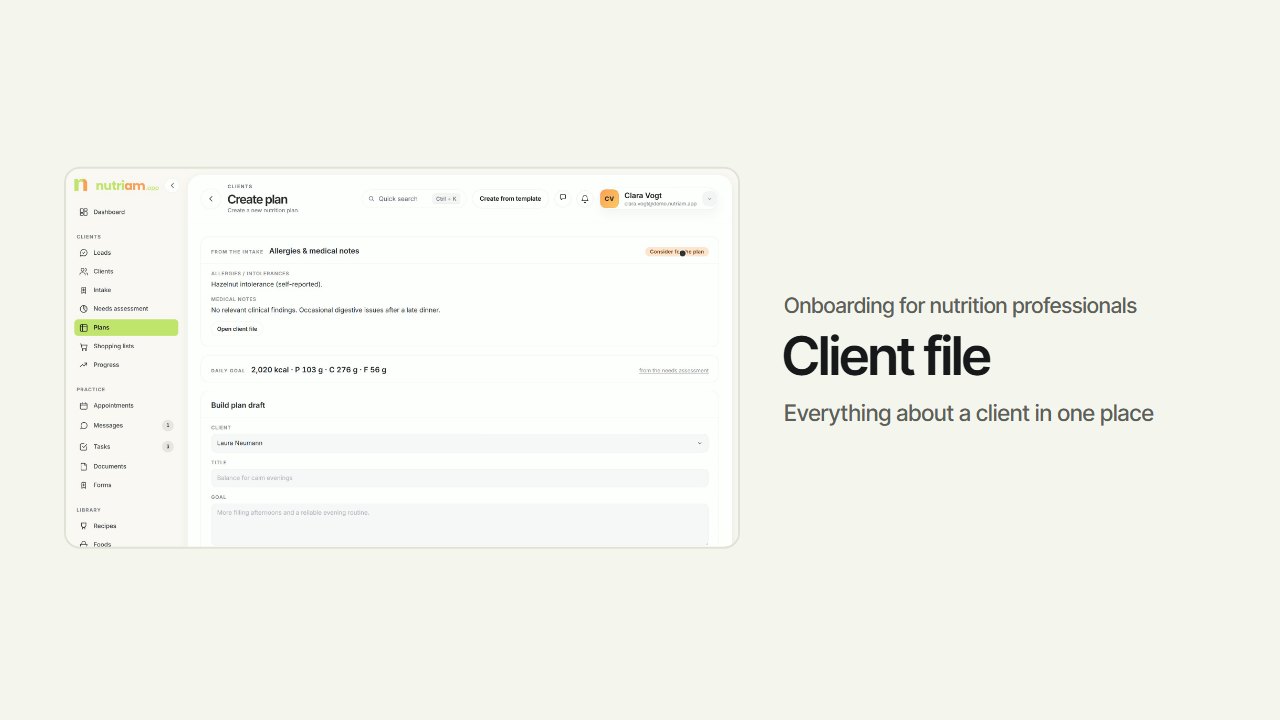 Creating the nutrition planIn this video you'll build a nutrition plan in nutriam and share it with your client.
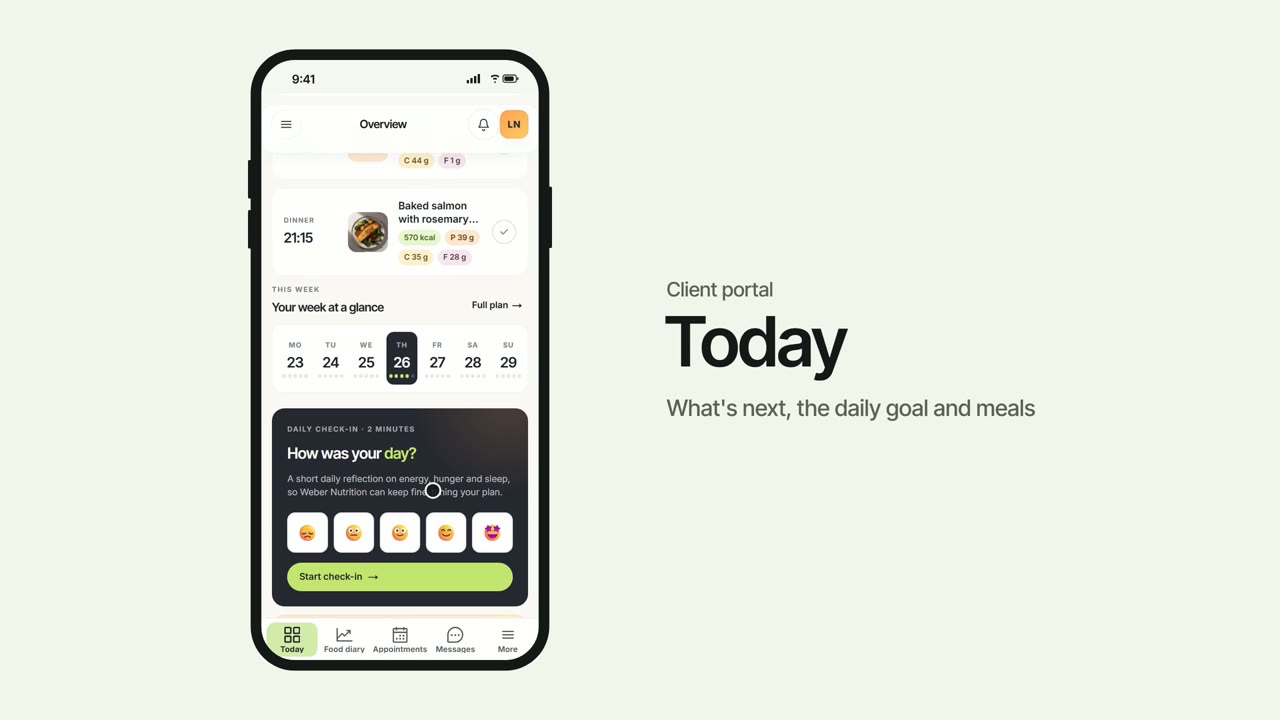 The client portal from your client's point of viewIn this video you'll see the client portal in nutriam from your clients' point of view.
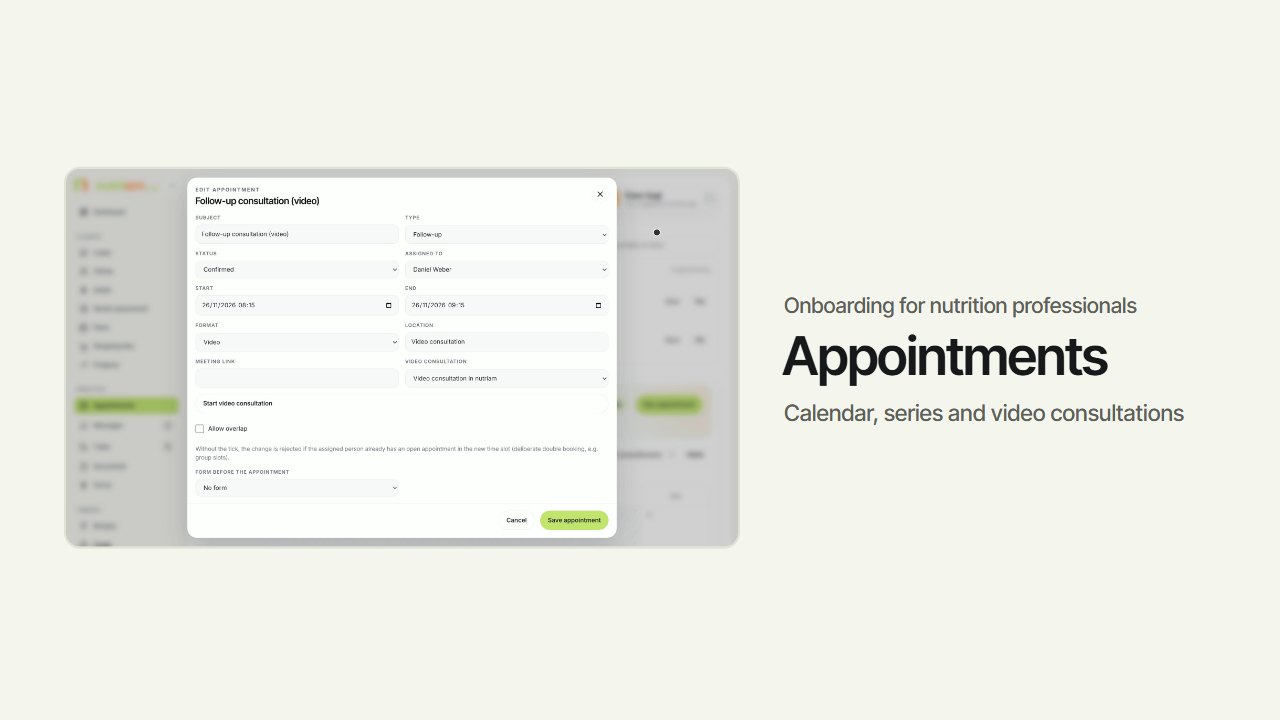 From appointment to invoiceIn the last video of this series you'll complete an appointment in nutriam and then invoice it.
Set up your practice
For your first days: practice details and document design, bringing in existing clients, inviting your team, enquiries from your website and your own account.
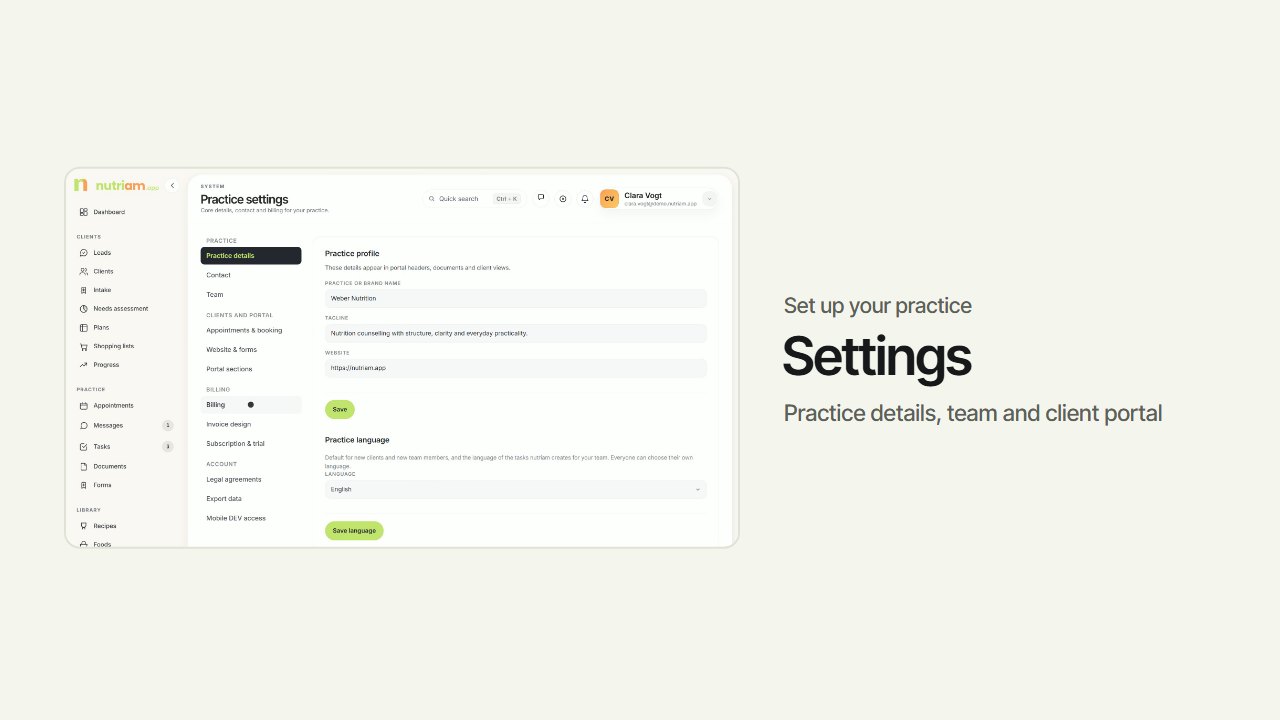 Setting up your practiceIn this video you'll set up your practice, so that your invoices, client portal and booking page carry your name and your logo.
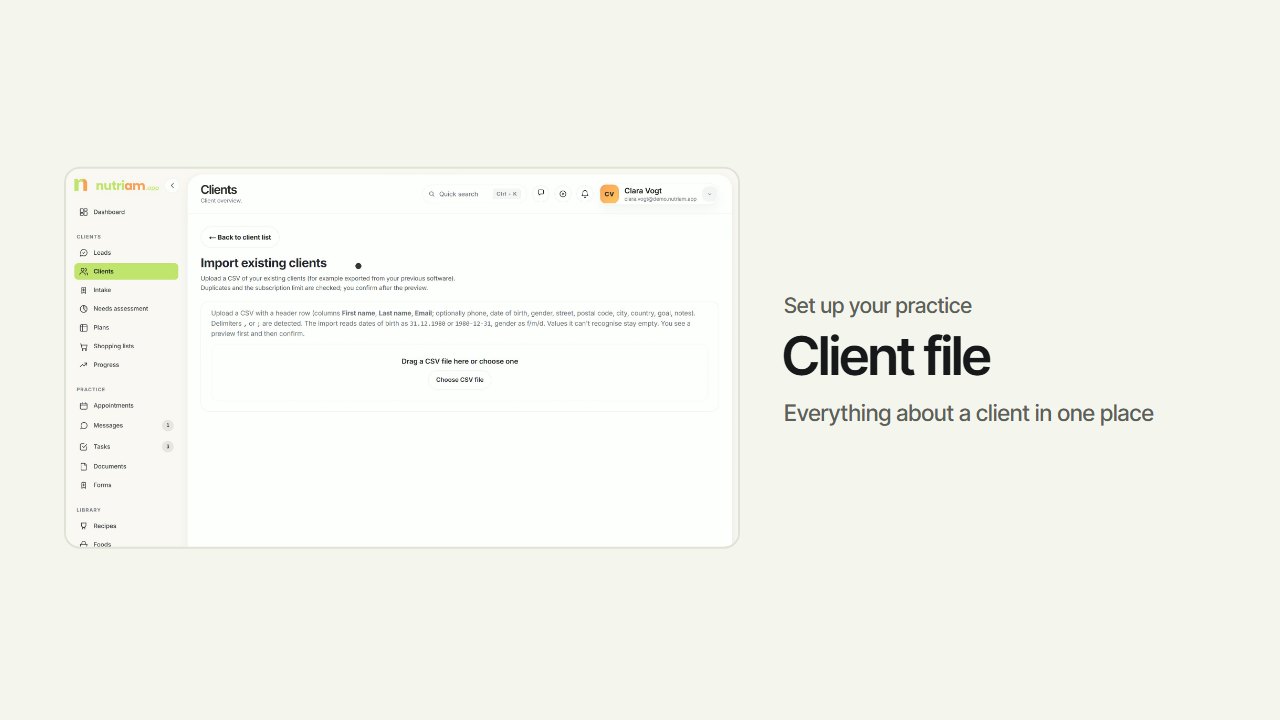 Bringing in and inviting clientsIn this video you'll bring your existing clients into your practice and invite them to the client portal.
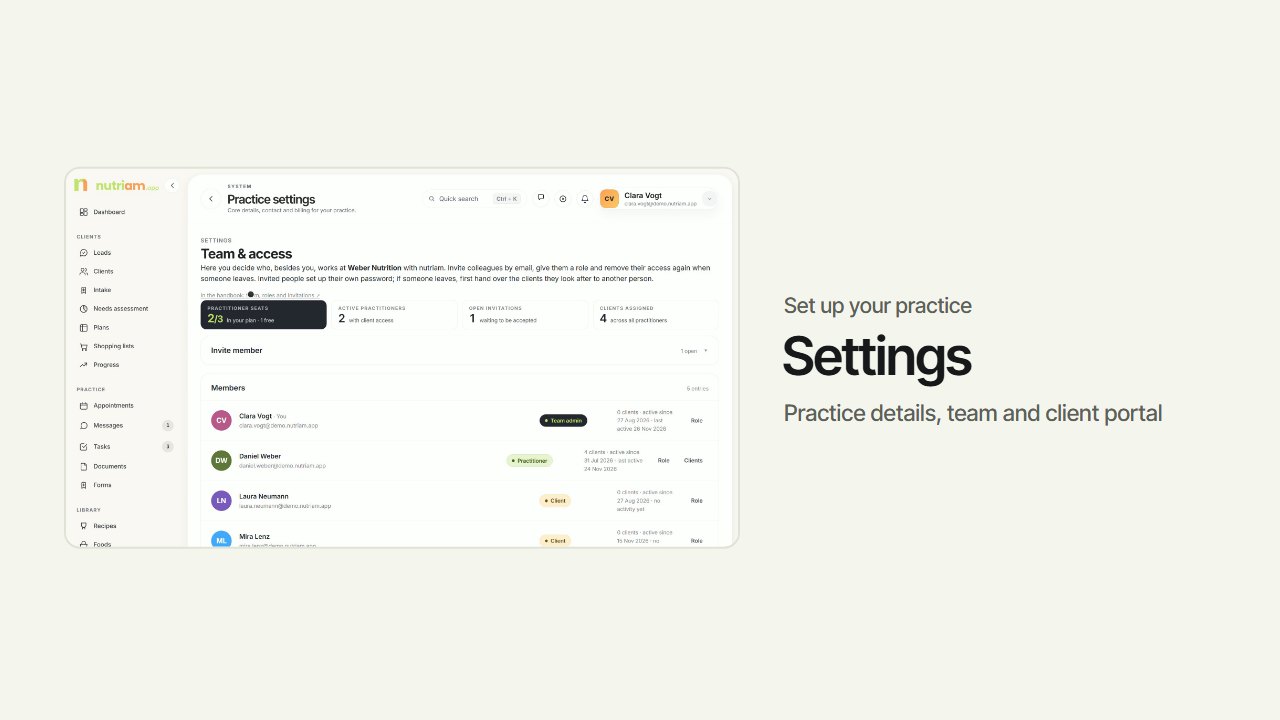 Inviting your team and assigning rolesIn this video you'll invite your team and decide who can do what.
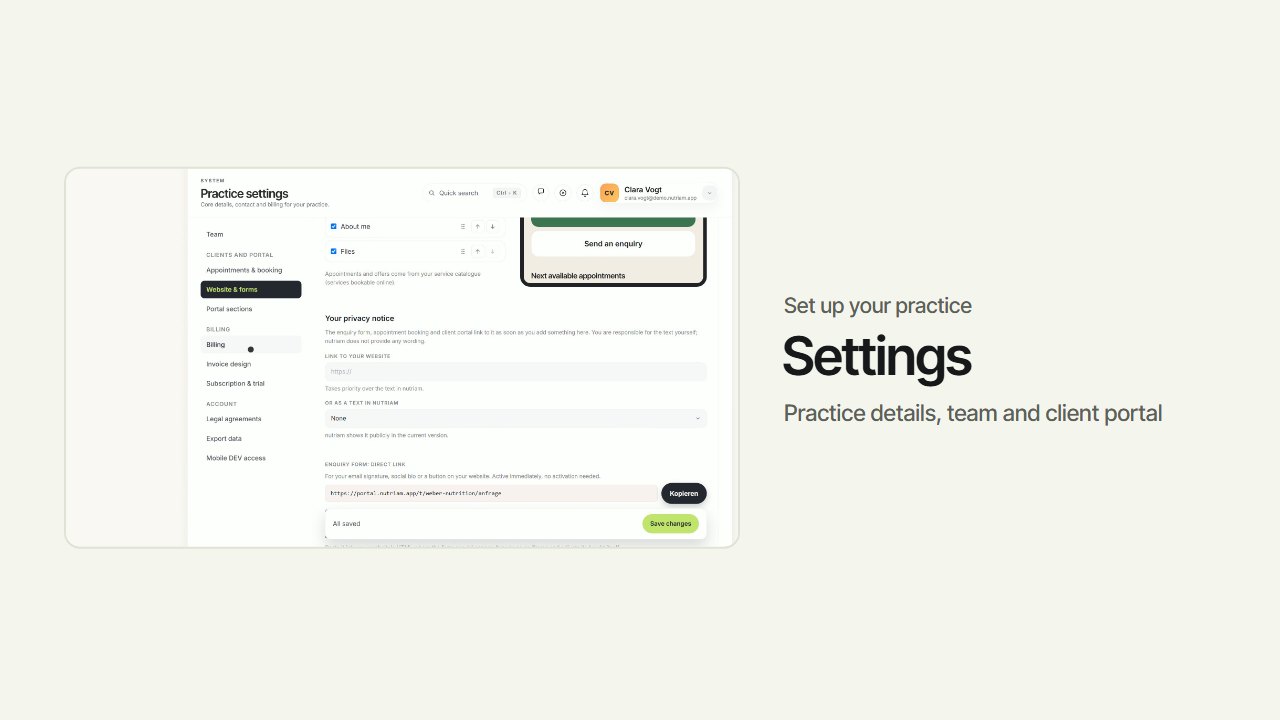 Enquiries from your websiteIn this video, enquiries from your website land straight in your practice as leads.
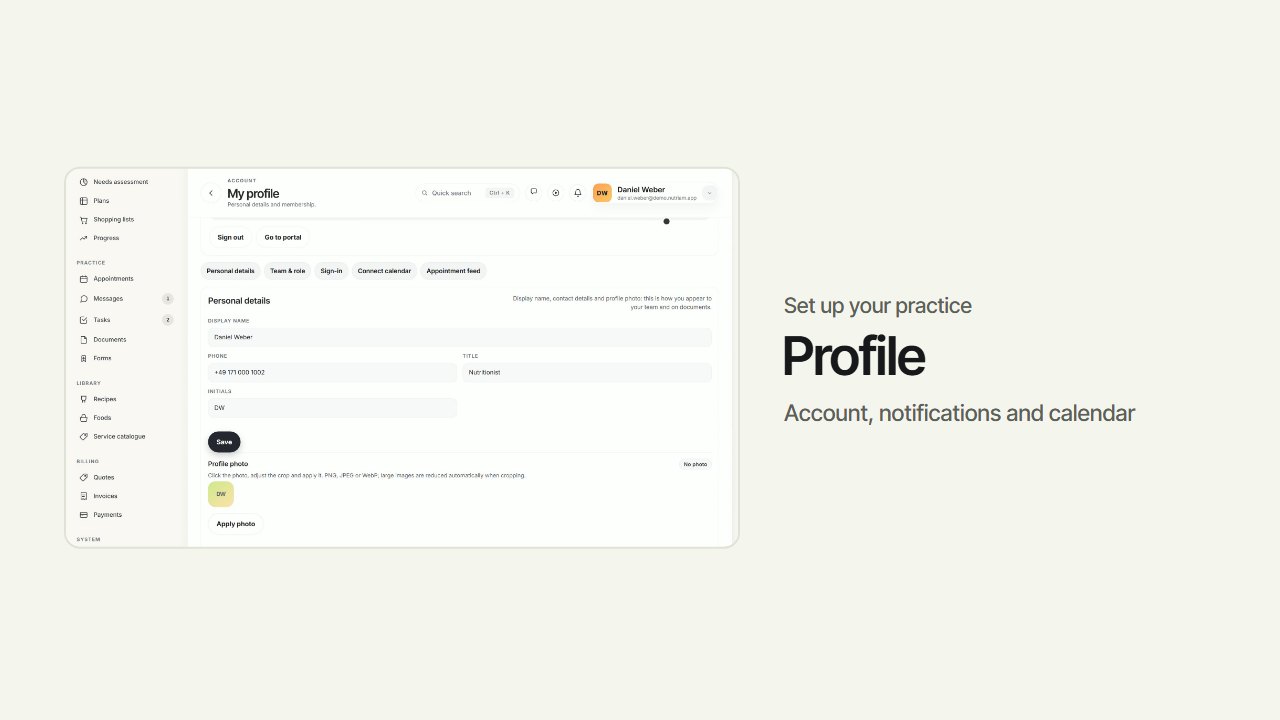 Profile, notifications and calendarIn this video you'll set up your own account: your profile, your notifications and your calendar.
Client file
Intake, food diaries, lab reports, progress and habits, appointment notes and closing a client's care properly.
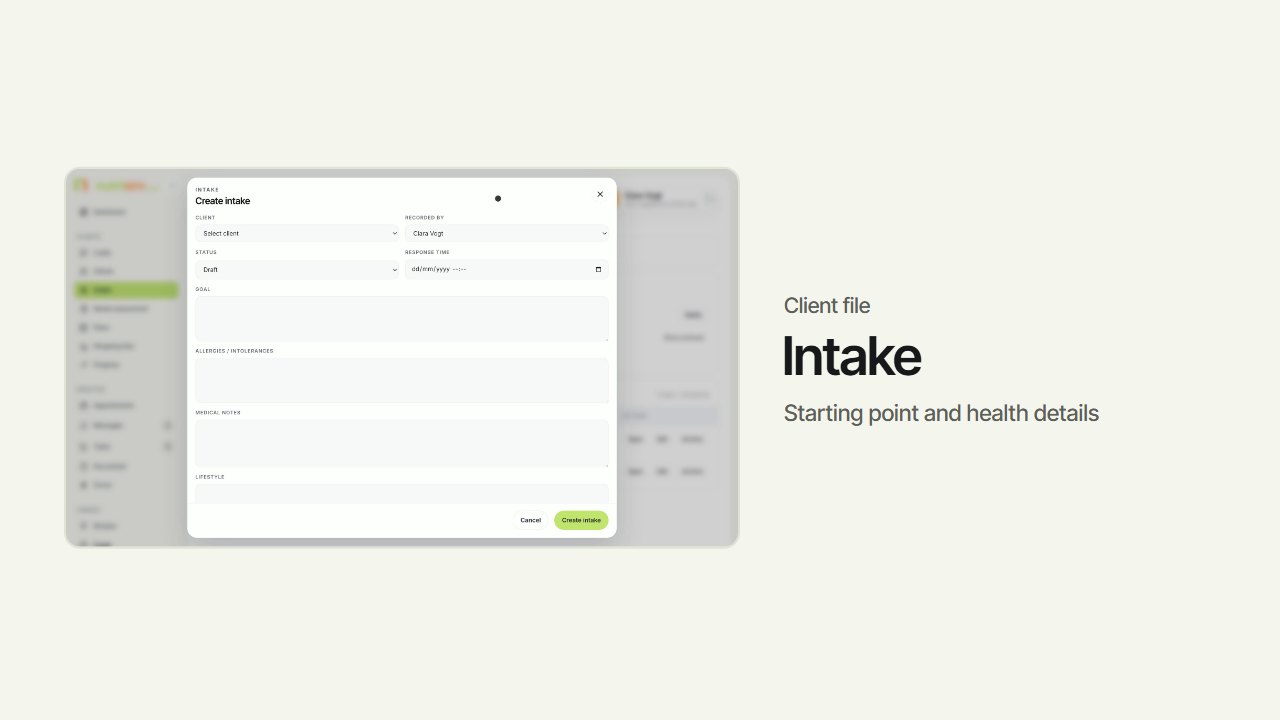 Recording an intakeIn this video you'll record a client's intake, the basis for the needs assessment and the nutrition plan.
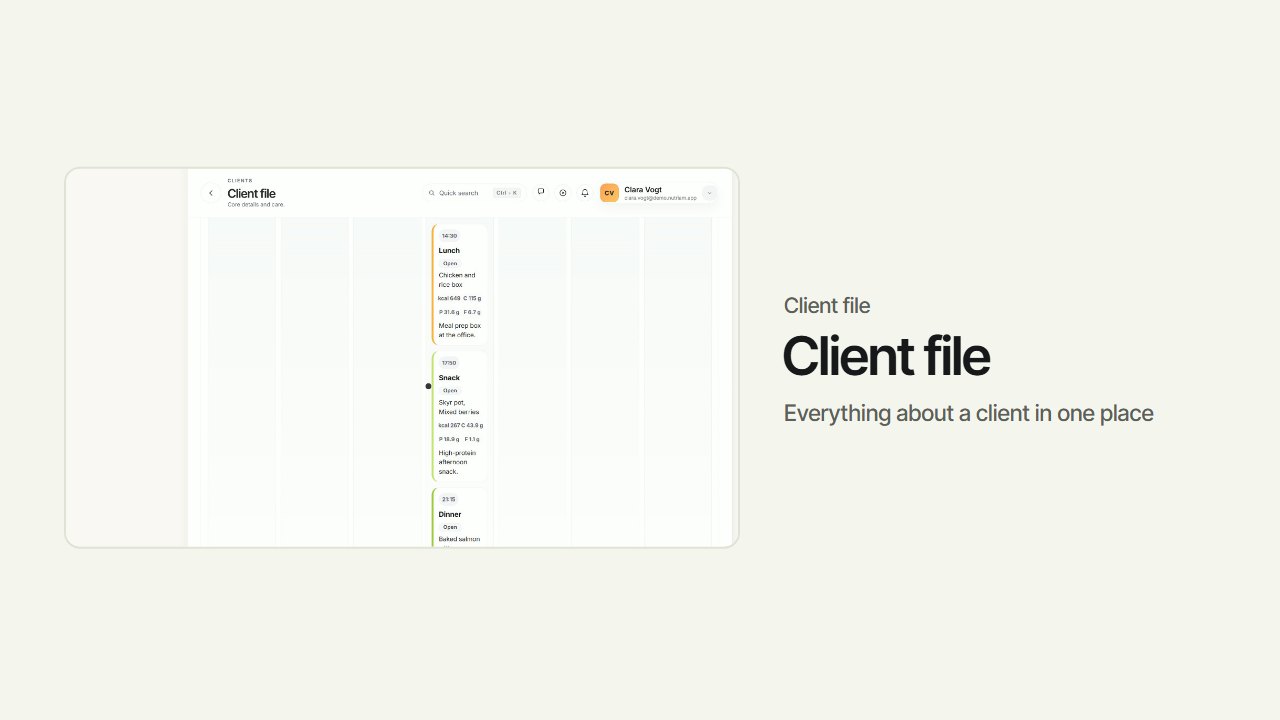 Reviewing a food diaryIn this video you'll review a client's food diary and give feedback.
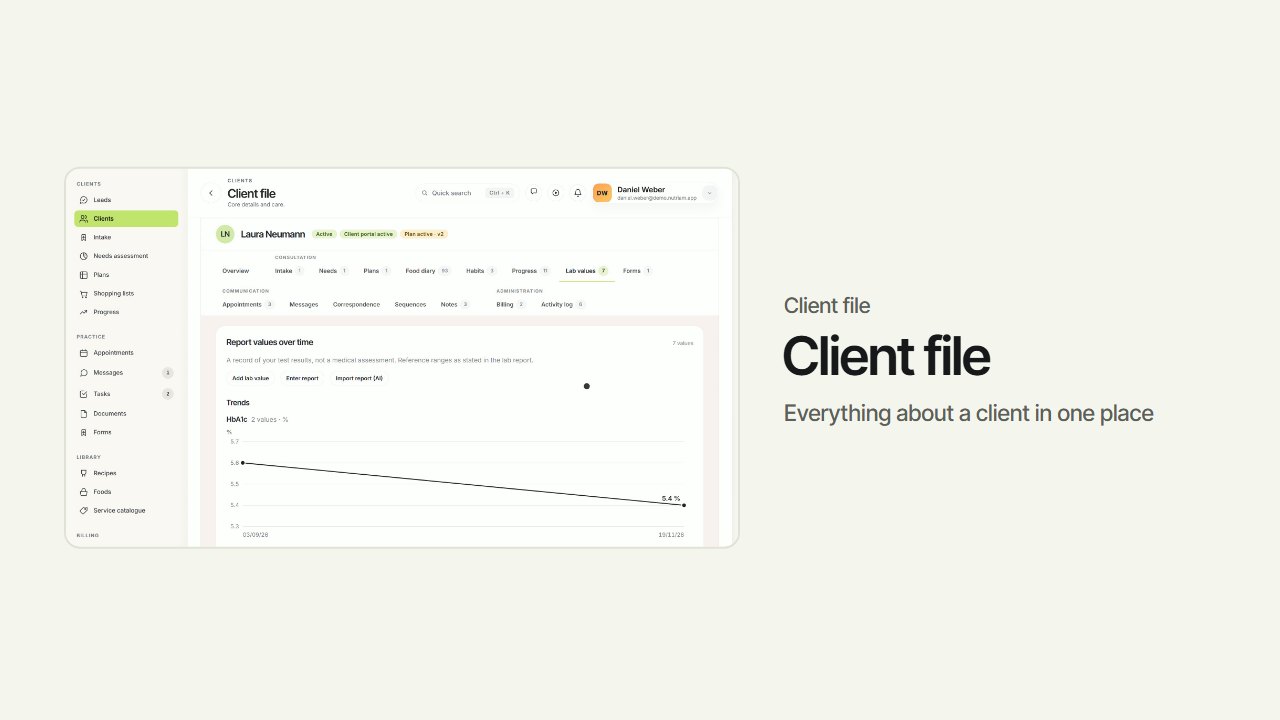 Reading a lab report with AIIn this video you'll read in a lab report with AI. You check every line, and then the values are in the client file and in the trend.
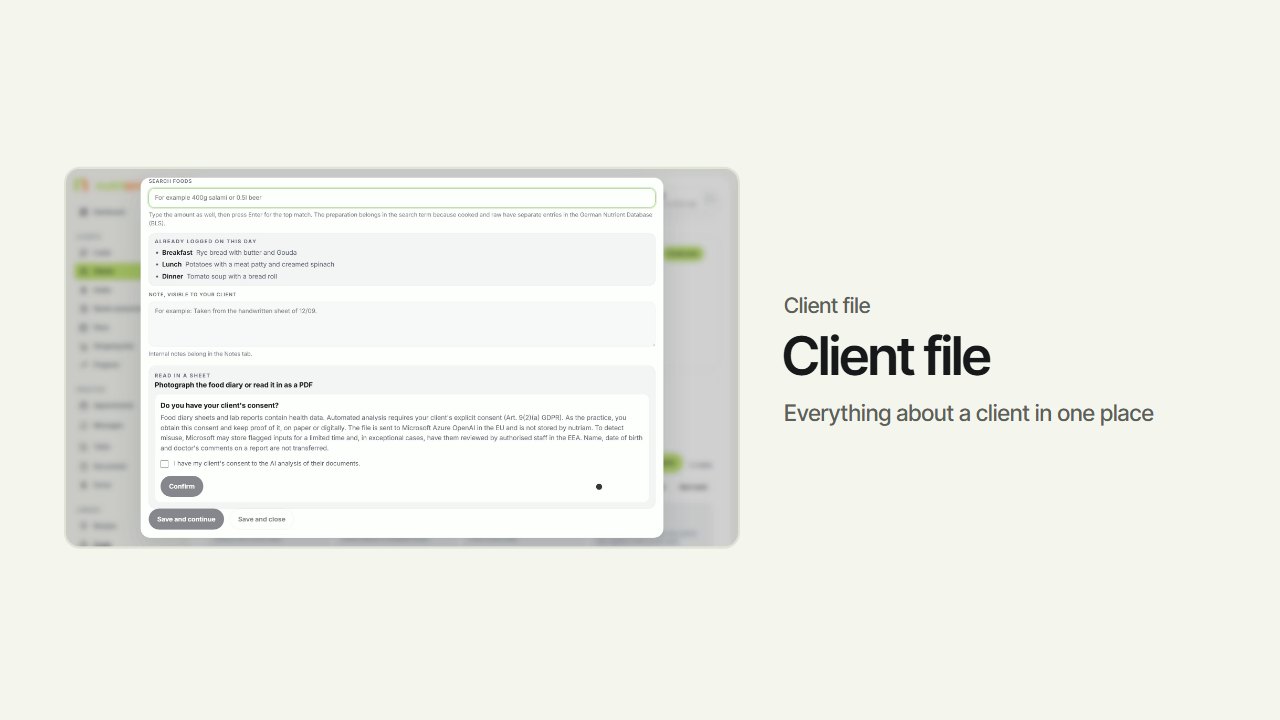 Reading a handwritten food diary with AIIn this video you'll read in a handwritten food diary with AI. You check the suggestions and add them meal by meal.
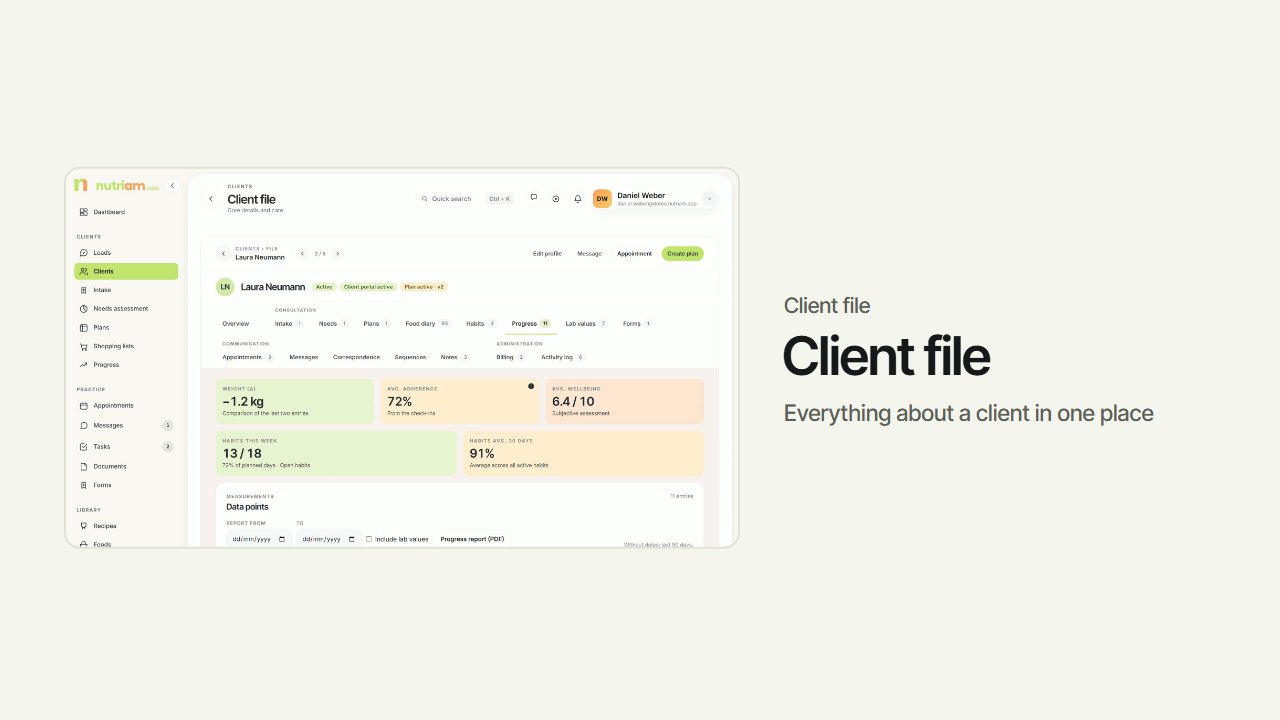 Progress and habitsIn this video you'll see your client's progress in the client file and give her a habit to work on until the next appointment.
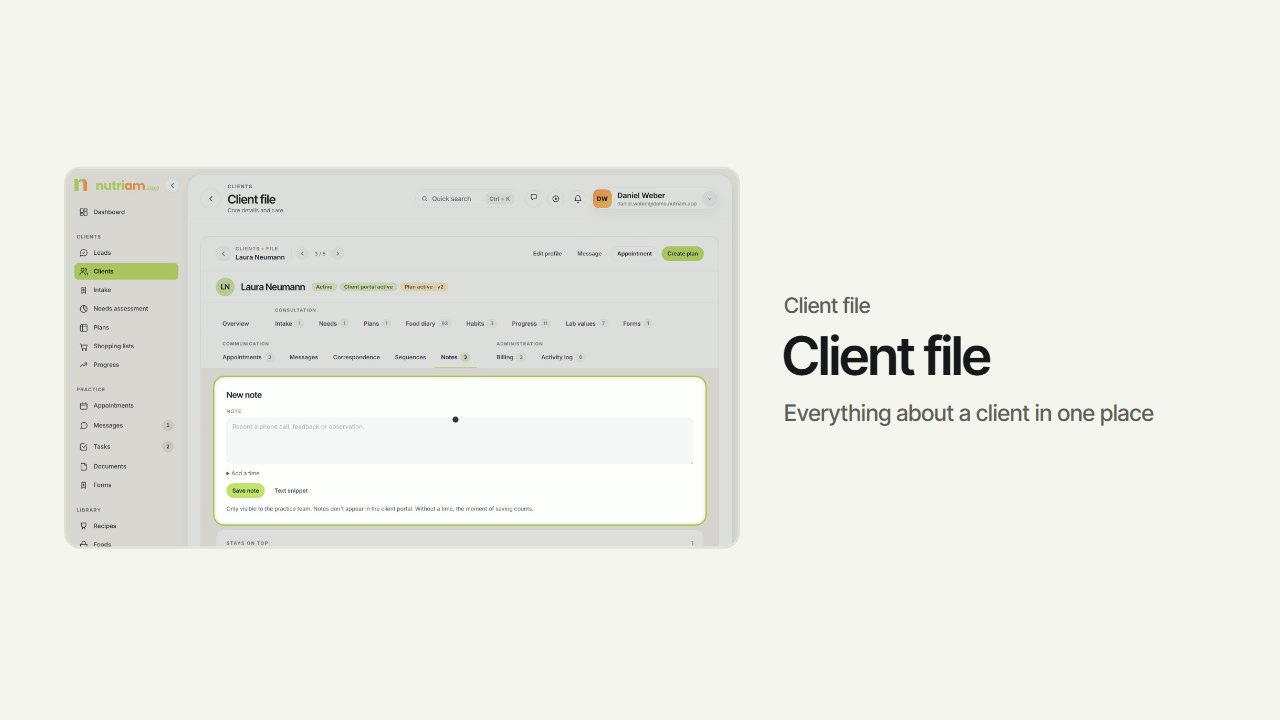 Notes and activity logIn this video you'll record in the client file what happens outside the portal, and see in the activity log what has happened in the file.
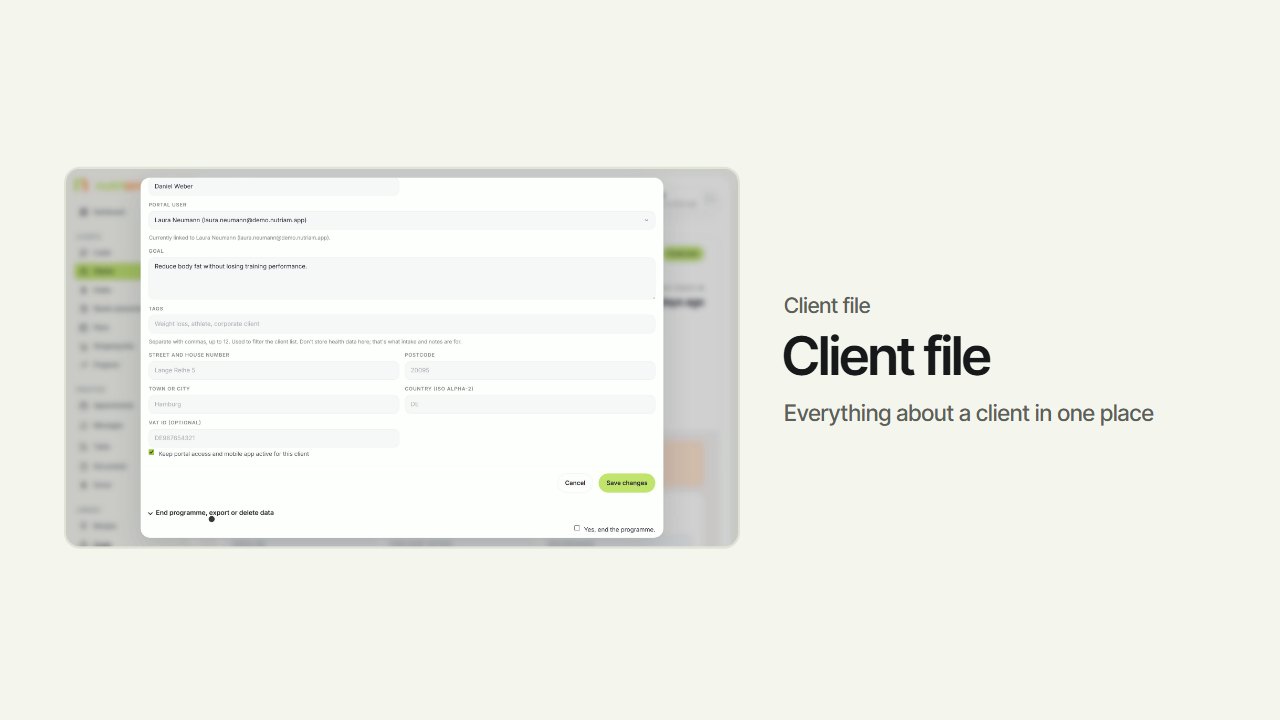 Ending a programme and data requestsIn this video you'll end a client's programme, bring it back if needed, and export the data when someone asks what you store about them.
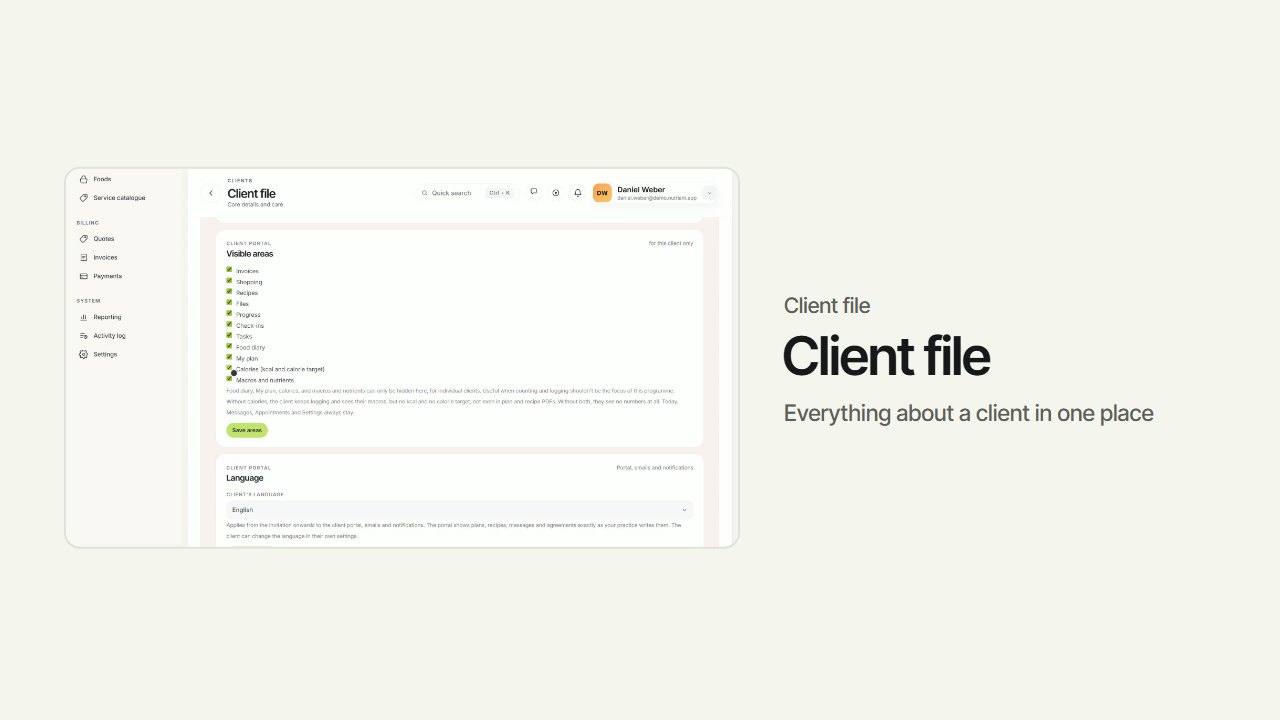 Setting up the portal per clientIn this video you'll adjust the client portal for a single client: which areas she sees and on which days she logs her food.
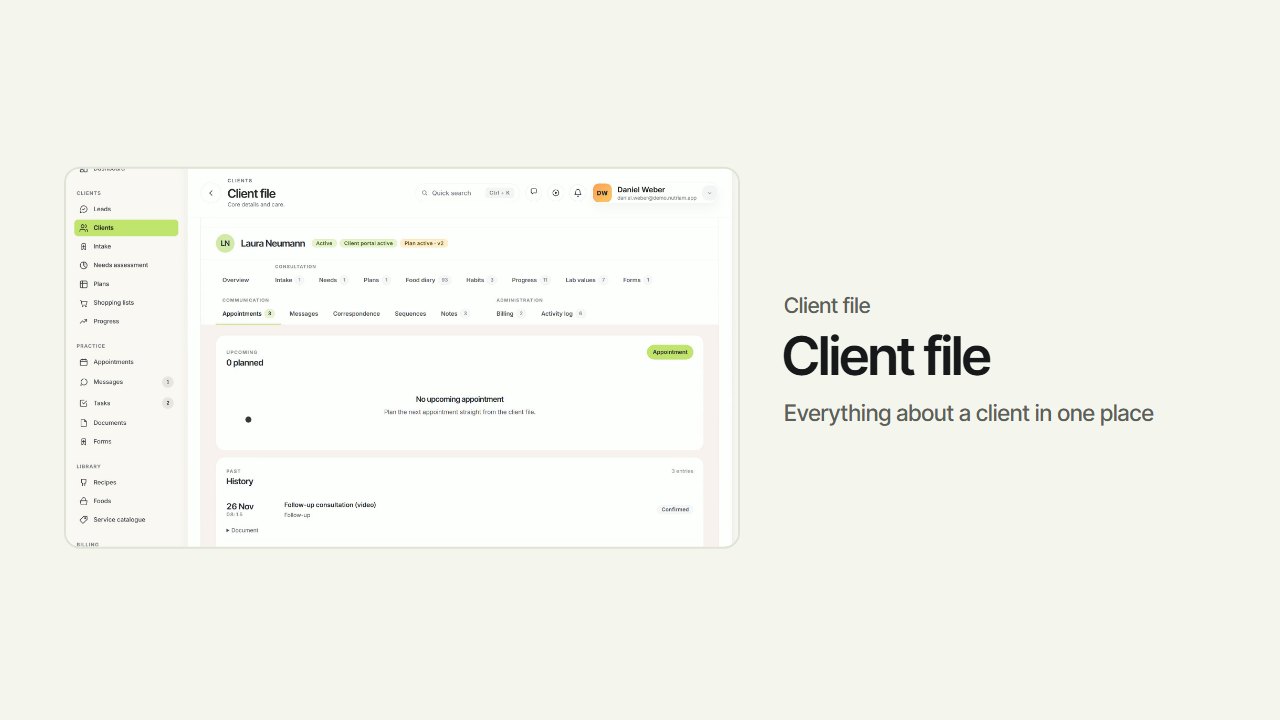 Preparing and documenting appointmentsIn this video you'll document an appointment in four fields, so the next one picks up exactly where you left off.
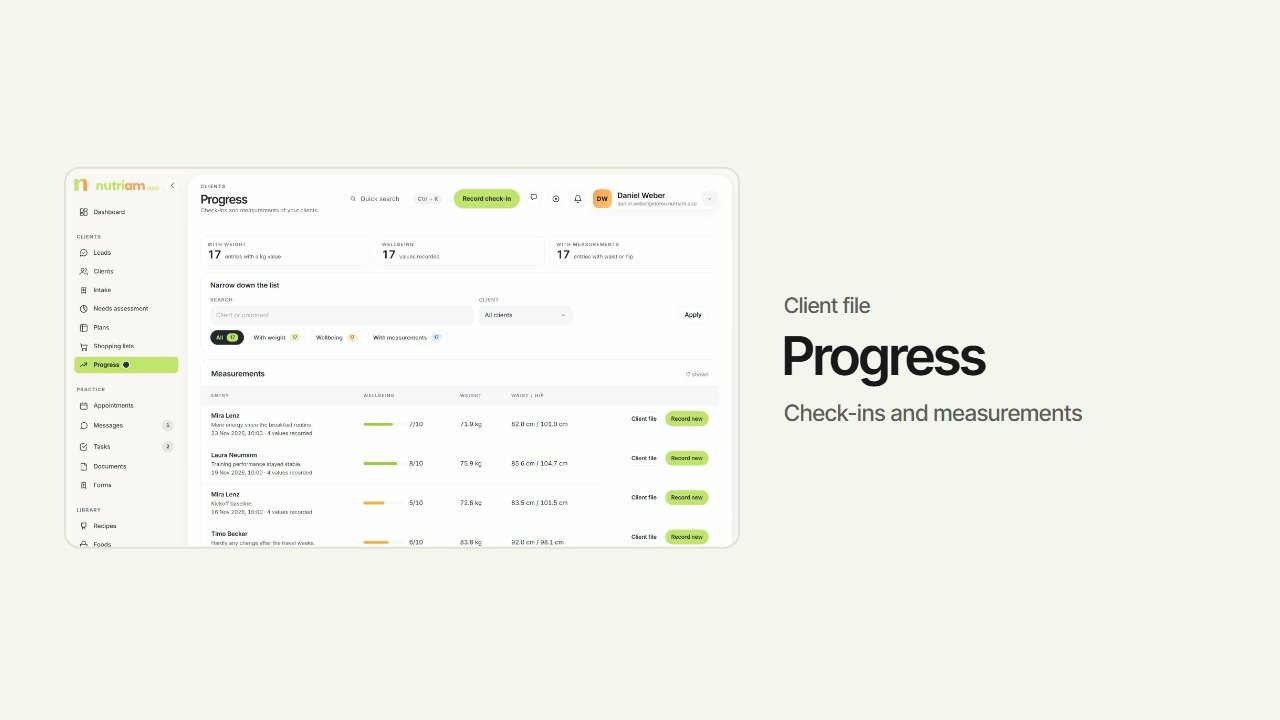 Recording measurements in an appointmentIn this video you'll enter measurements you took during an appointment, such as weight or waist circumference.
Everyday practice
Recipes, foods, shopping lists, plan templates, appointments with online booking, quotes, the service catalogue, reporting and documents on your letterhead.
 Creating a recipeIn this video you'll create your own recipe, with real nutritional values from the food database.
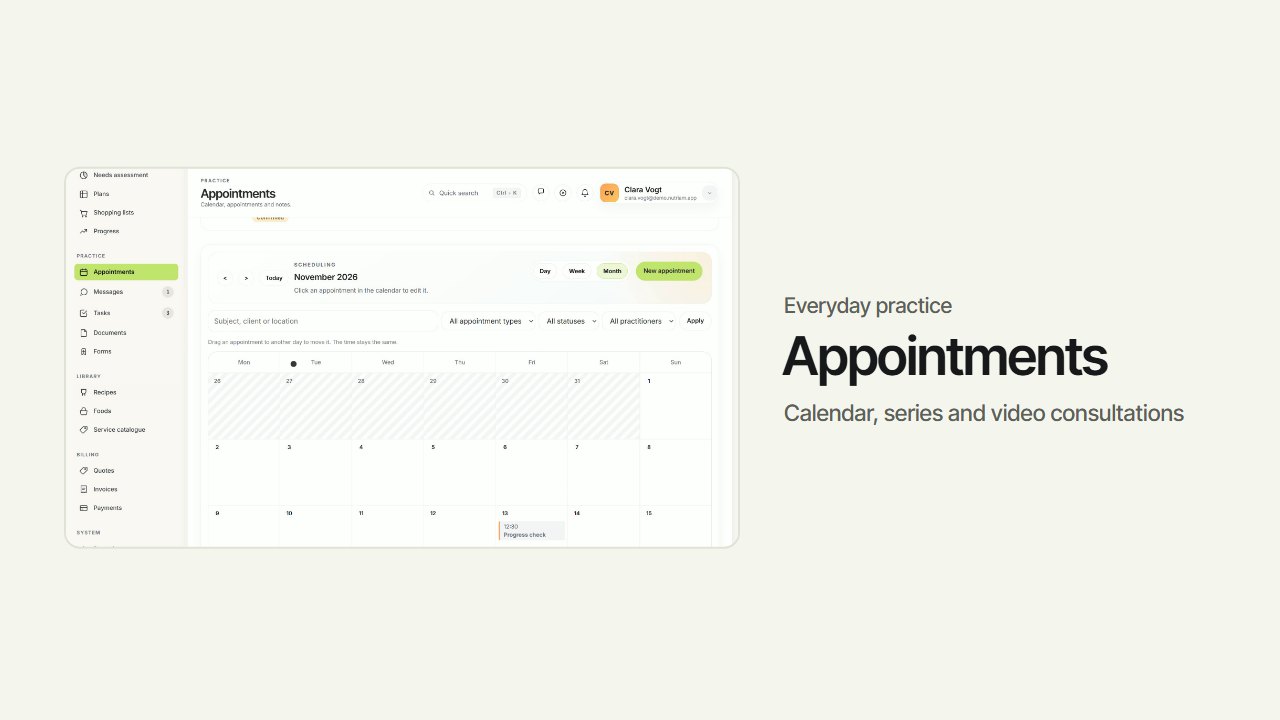 Appointments and online bookingIn this video you'll plan appointments in the calendar and let clients book for themselves through your booking page.
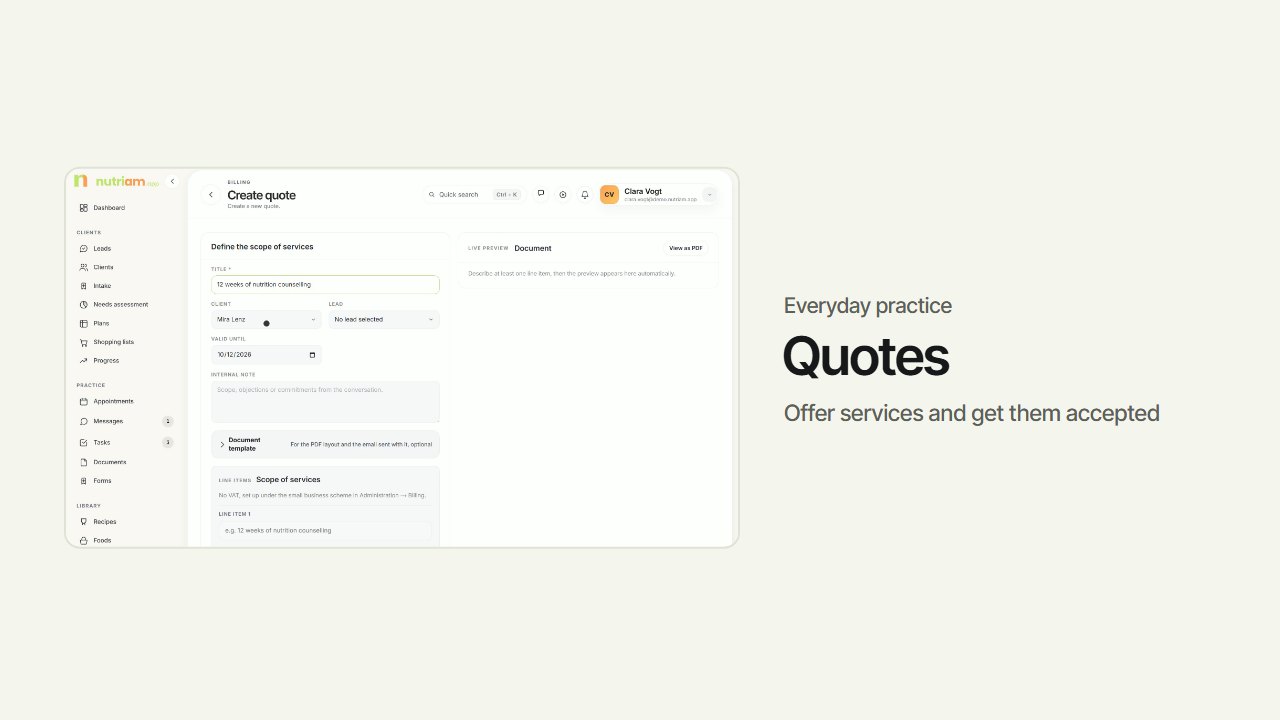 Creating a quoteIn this video you'll create a quote for a new client, with a live preview of the document.
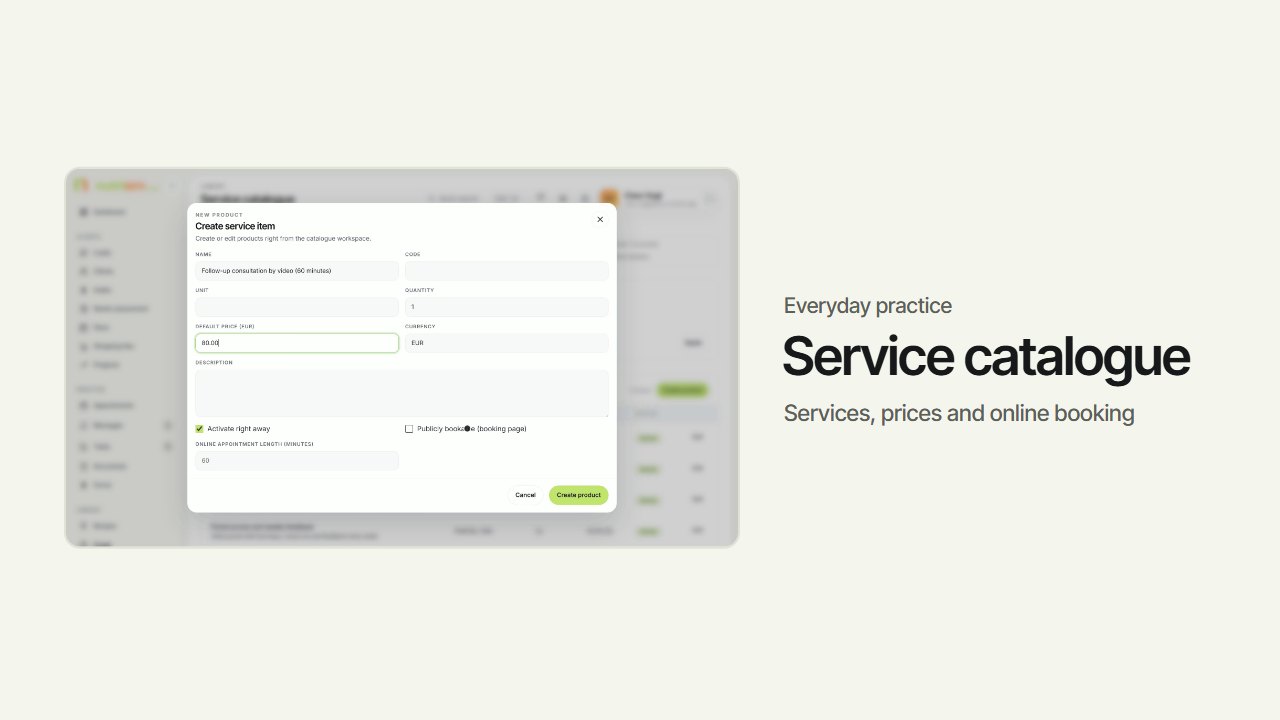 Service catalogue and packagesIn this video you'll set up your services once in the catalogue and build packages from them for quotes and invoices.
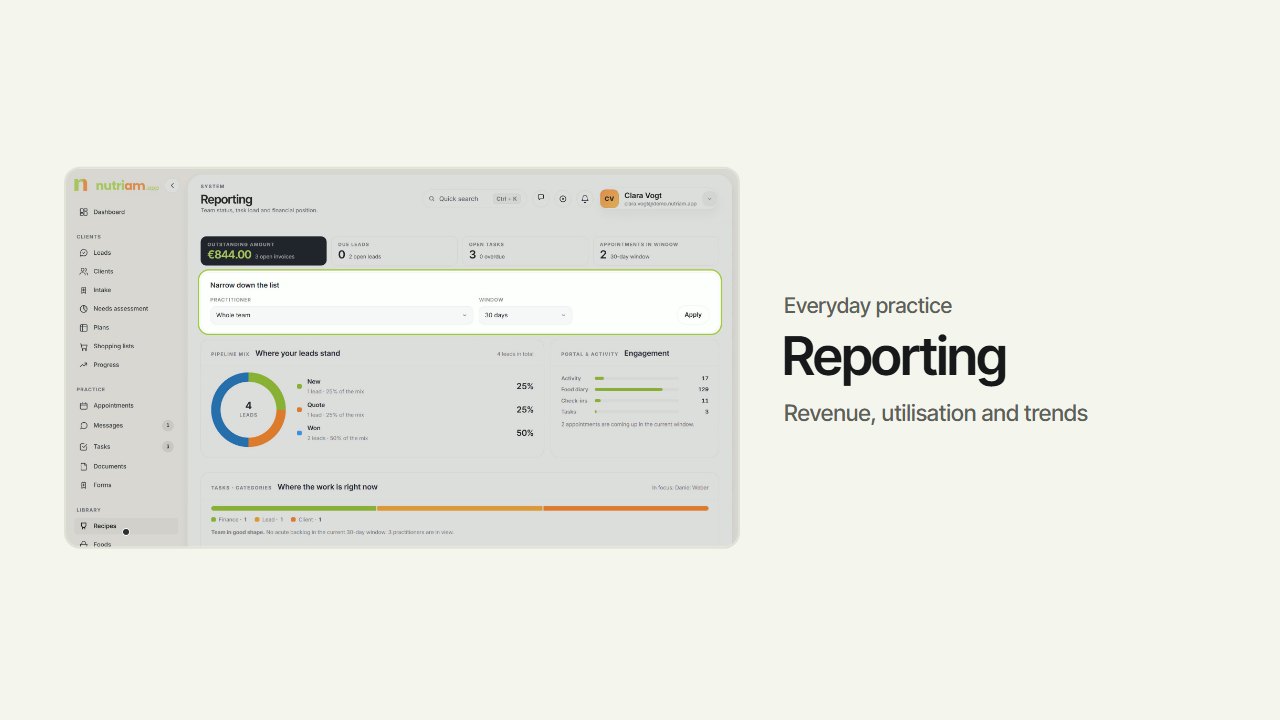 Reading your reportsIn this video you'll read your reports: where money is outstanding, where the work is and how your appointments are going.
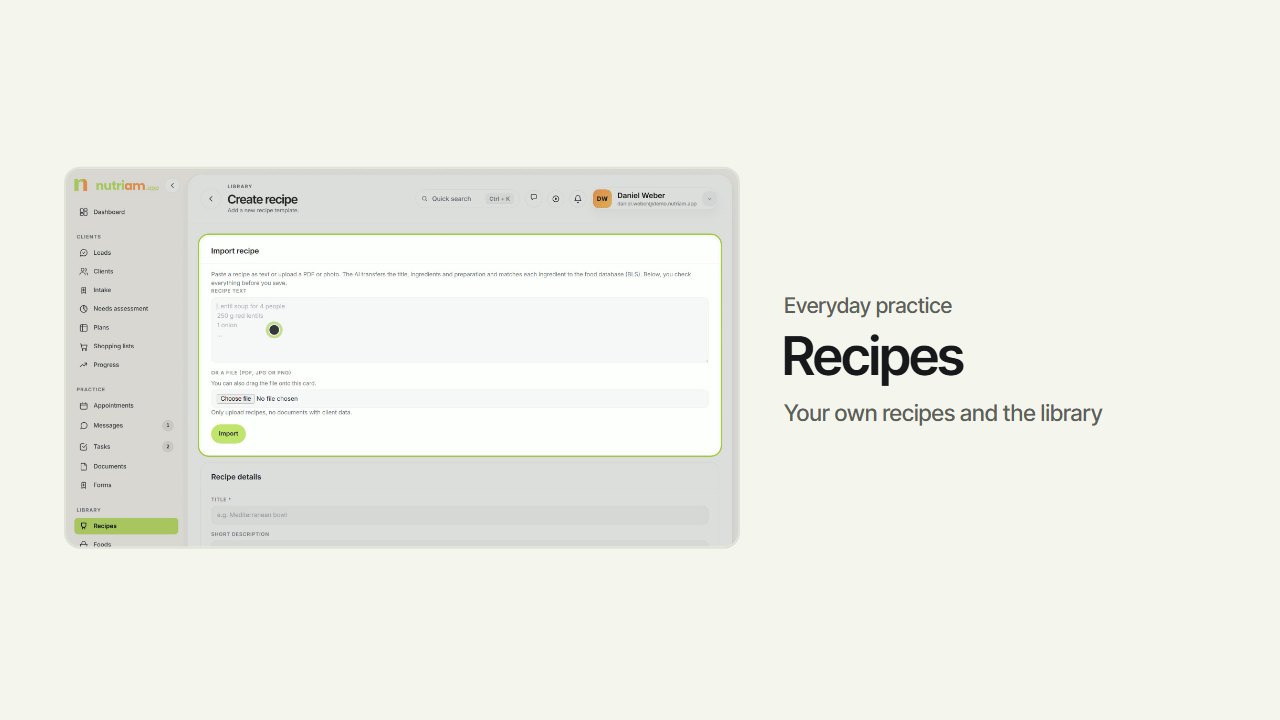 Importing a recipe with AIIn this video you'll import a recipe from text, a PDF or a photo instead of typing it out. nutriam matches the ingredients to the food database as it goes.
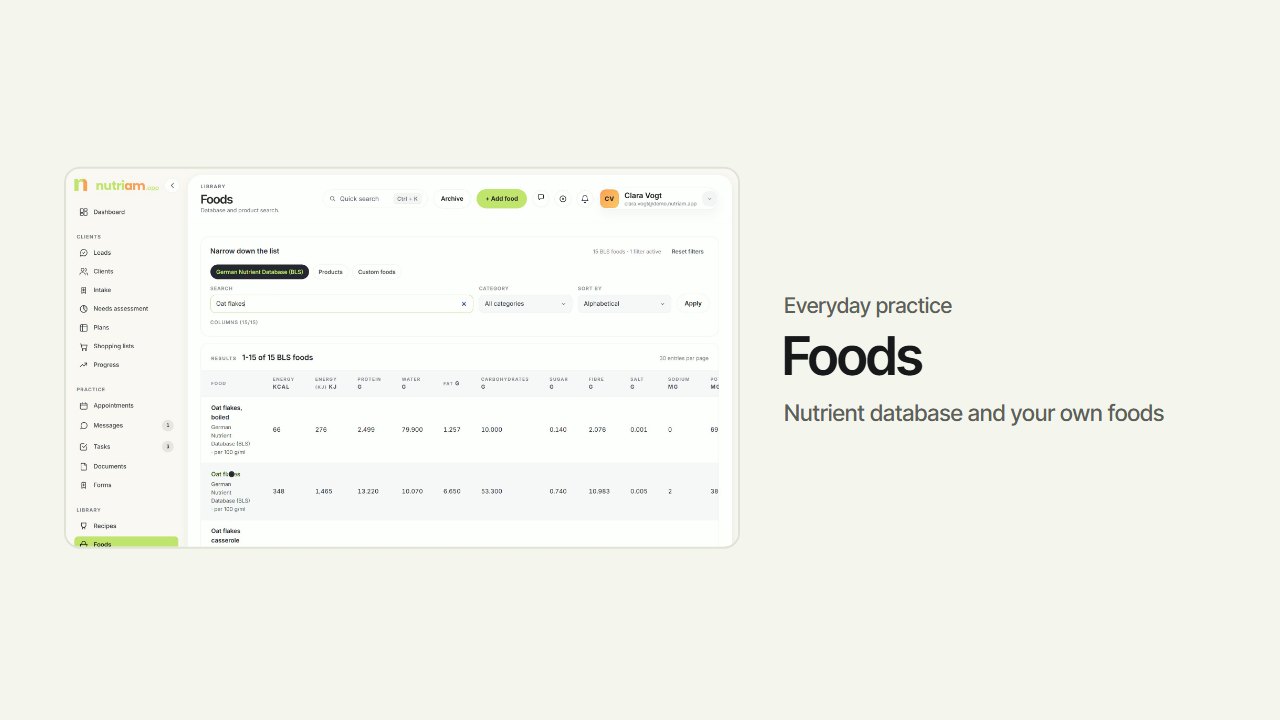 Foods and custom foodsIn this video you'll find foods with their nutrition values, and add your own when one is missing.
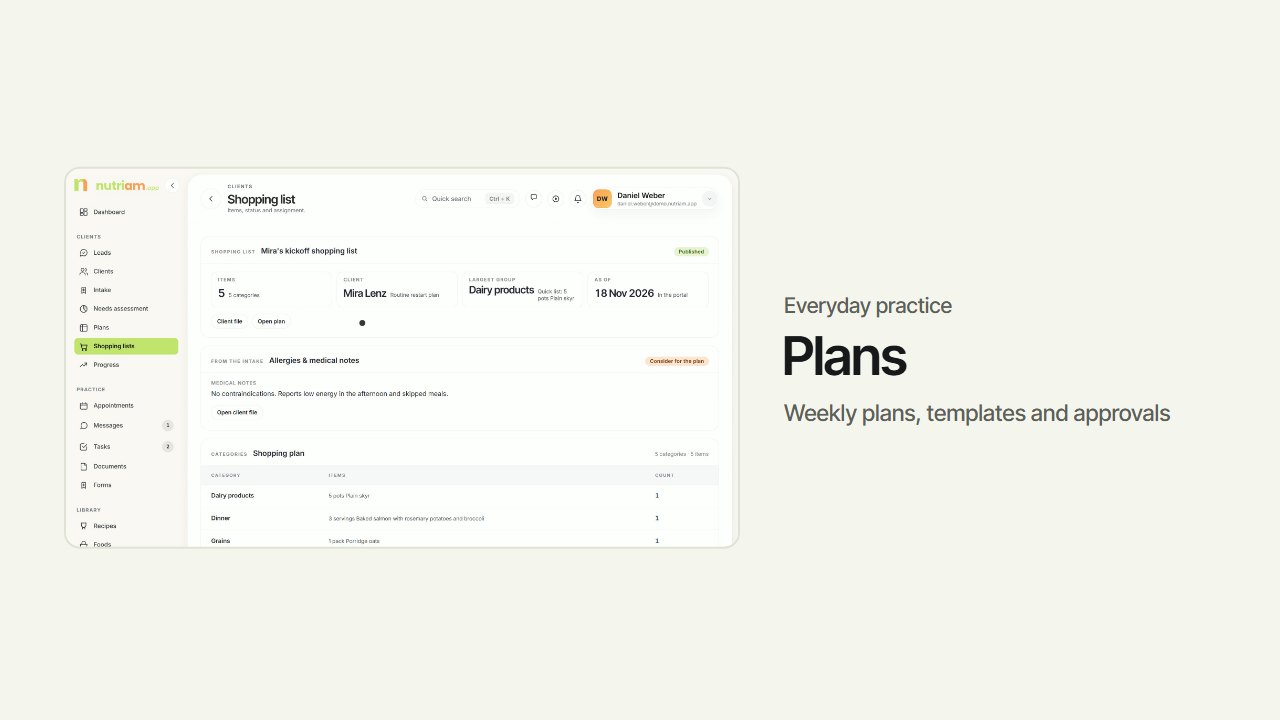 Shopping listsIn this video you'll see how a plan turns into a shopping list and how you adjust it for your client.
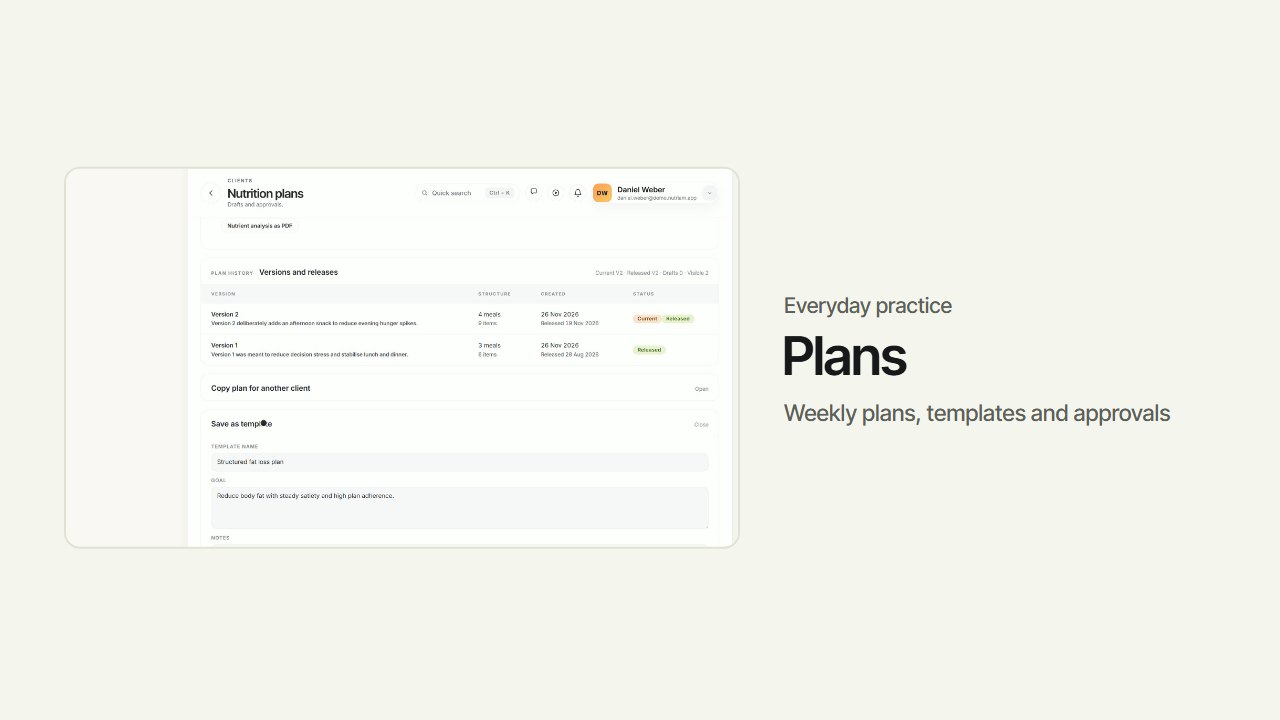 Plan templatesIn this video you'll turn a plan that has worked well into a template and create your next plan from it.
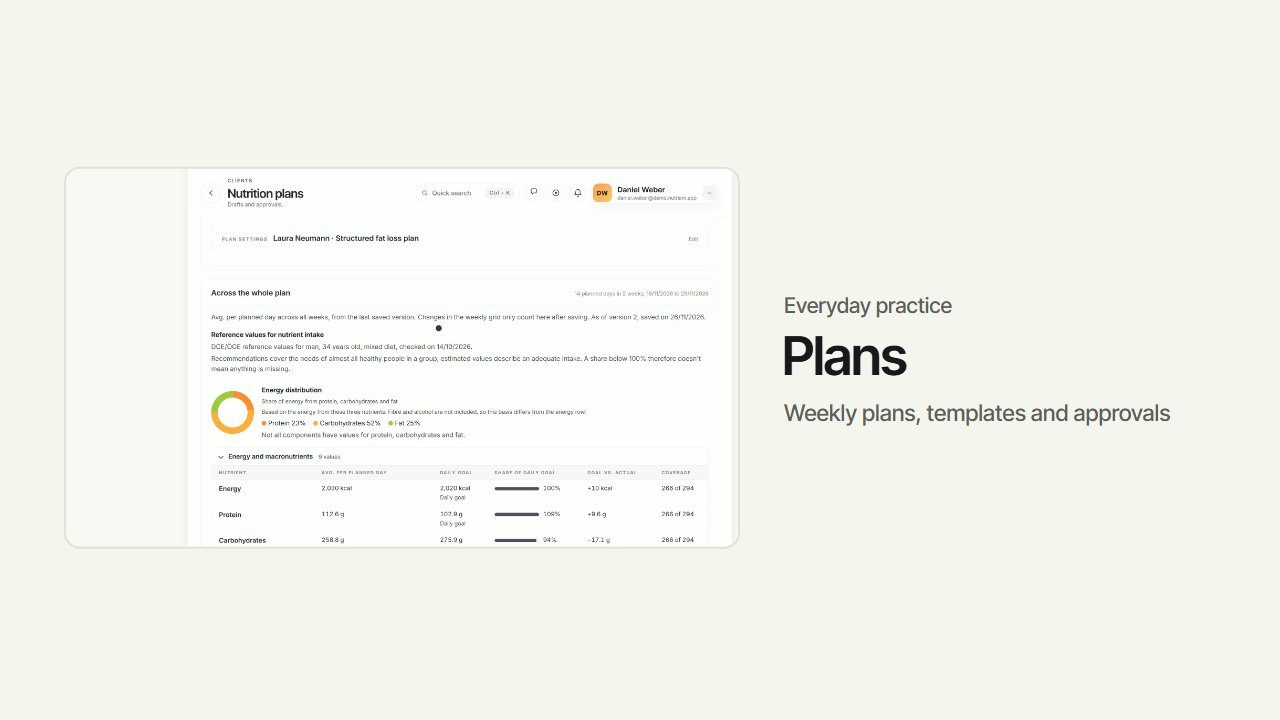 Adjusting and republishing a planIn this video you'll adjust a plan your client is already using and release the new version.
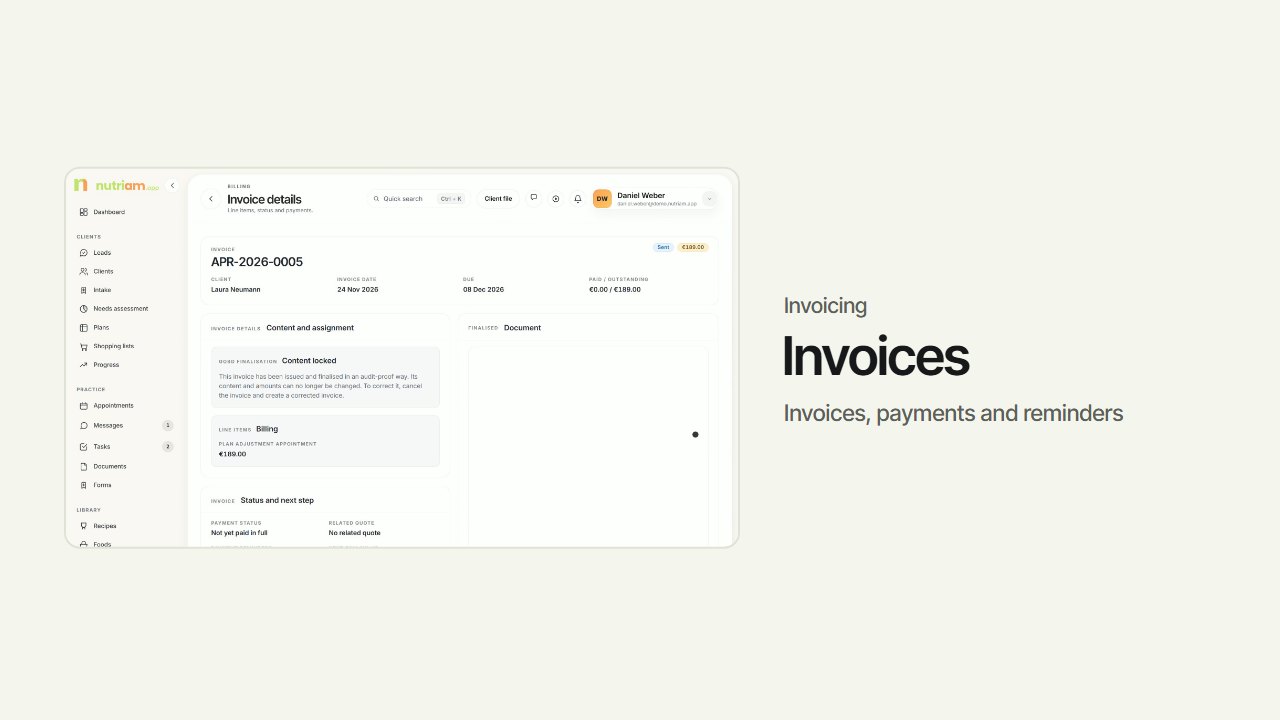
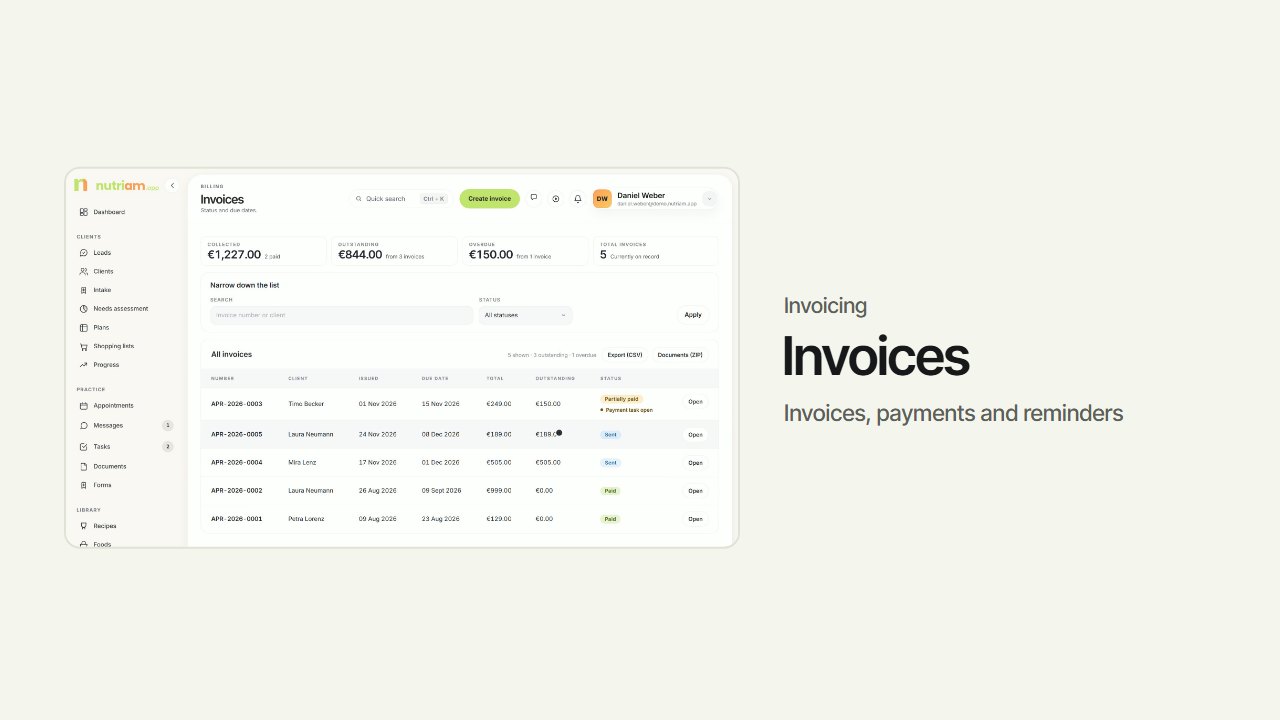
Invoicing
Record incoming payments and follow up overdue invoices with payment reminders.
Communication
Answer client messages, give tasks for the portal, run video consultations, send forms and consents, and approve sequences.
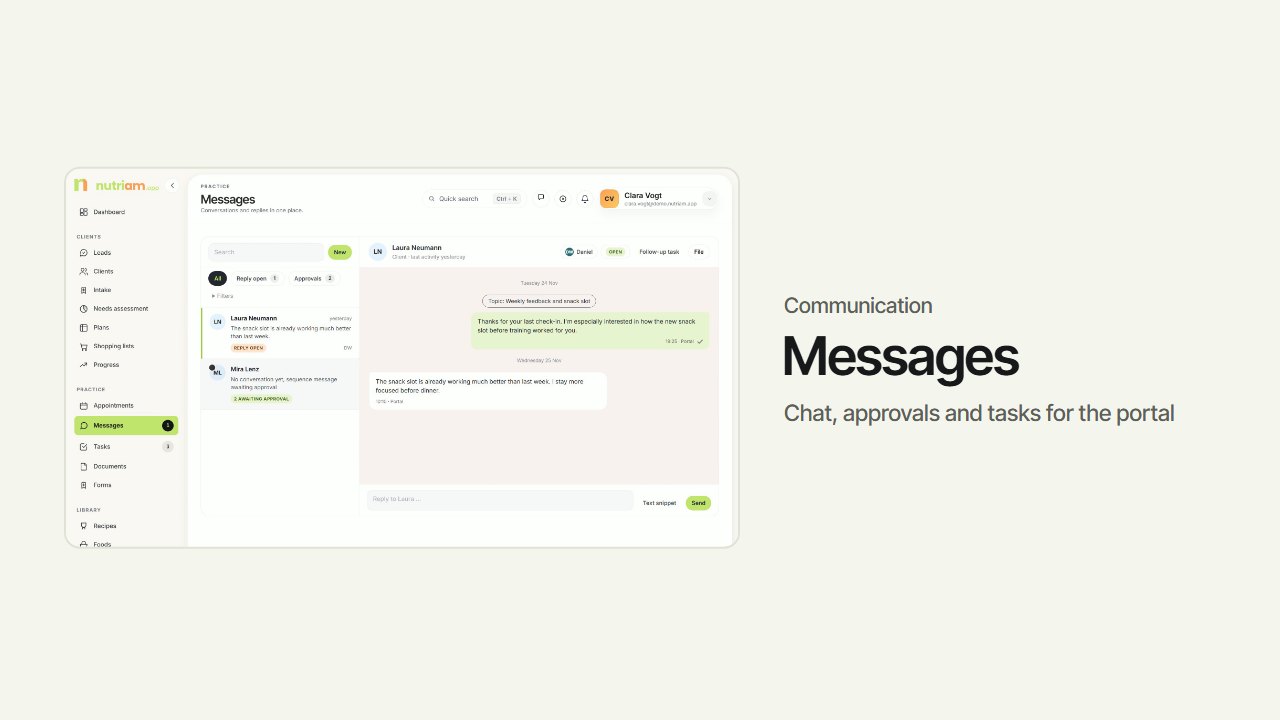 Messages and tasksIn this video you'll reply to messages from your clients and give them tasks for their portal.
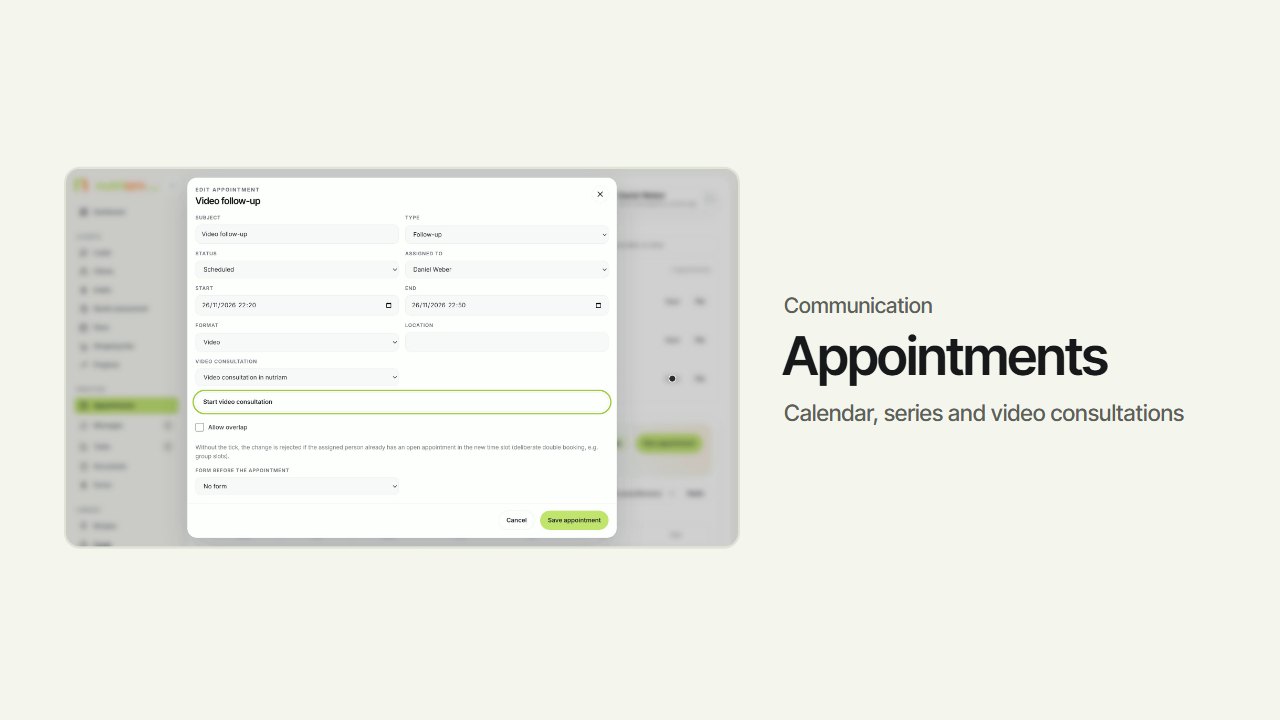 Running a video consultationIn this video you'll run a video consultation right inside nutriam and take your notes alongside it.
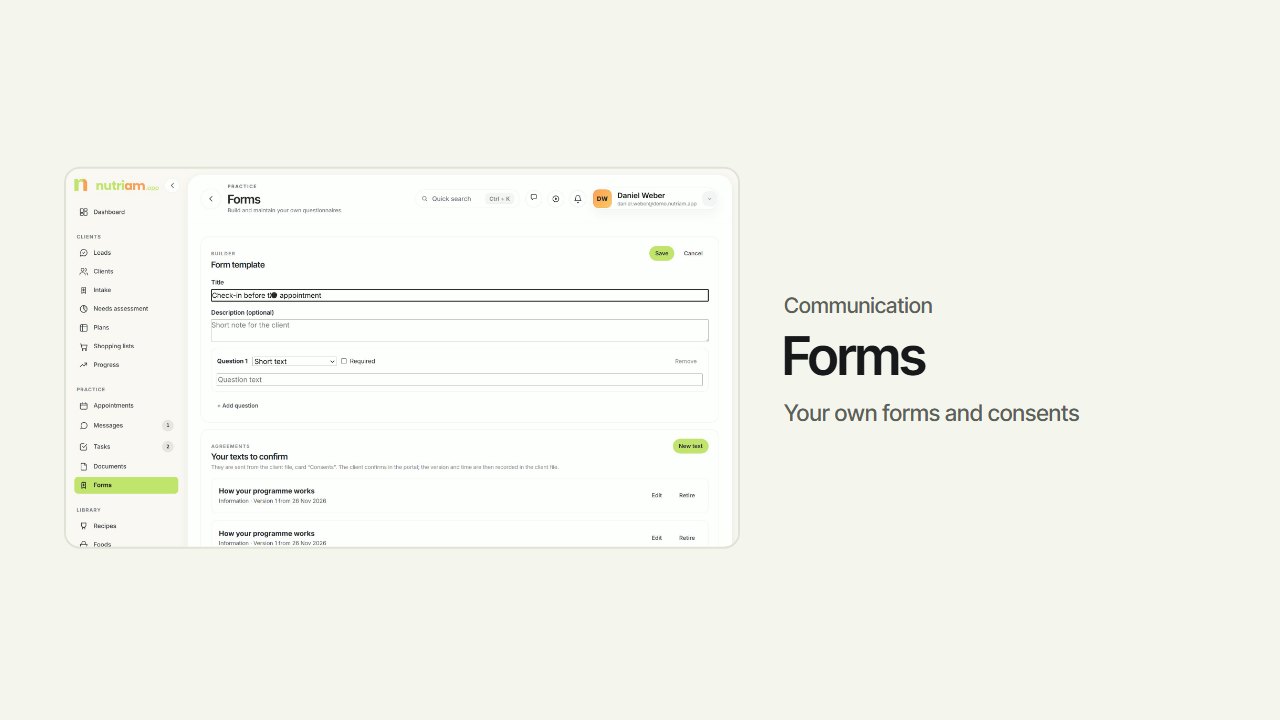 Your own formsIn this video you'll build your own form, send it to a client and read her answers in the client file.
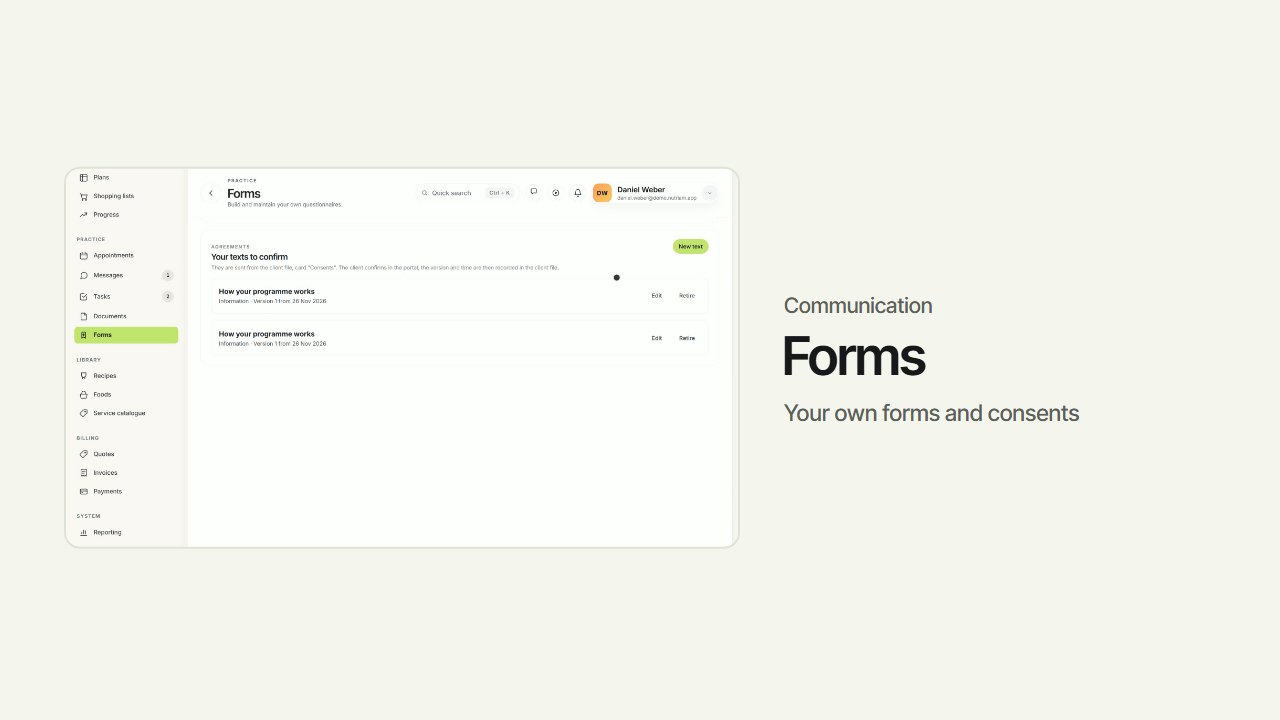 Your clients' consentsIn this video you'll create your own text that your client confirms in the portal, and find the proof in the client file.
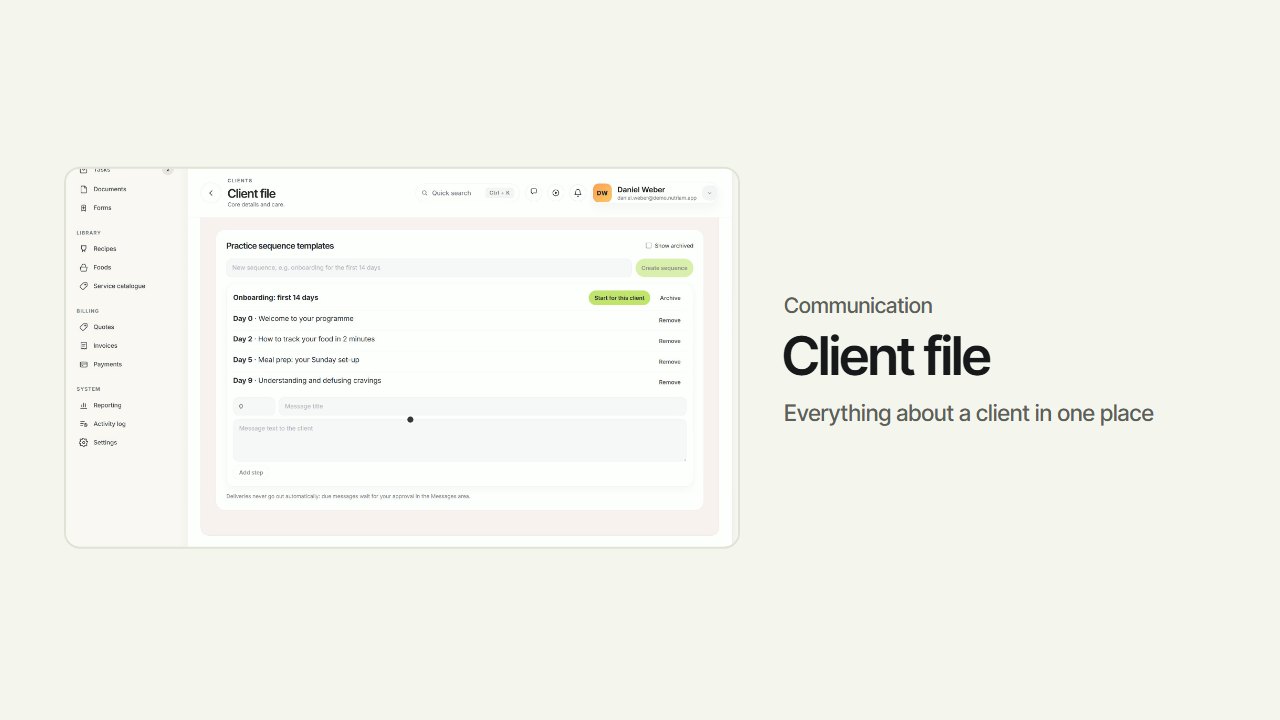 SequencesIn this video you'll start a sequence: messages that accompany your client through the first few weeks. Each one only goes out once you approve it.
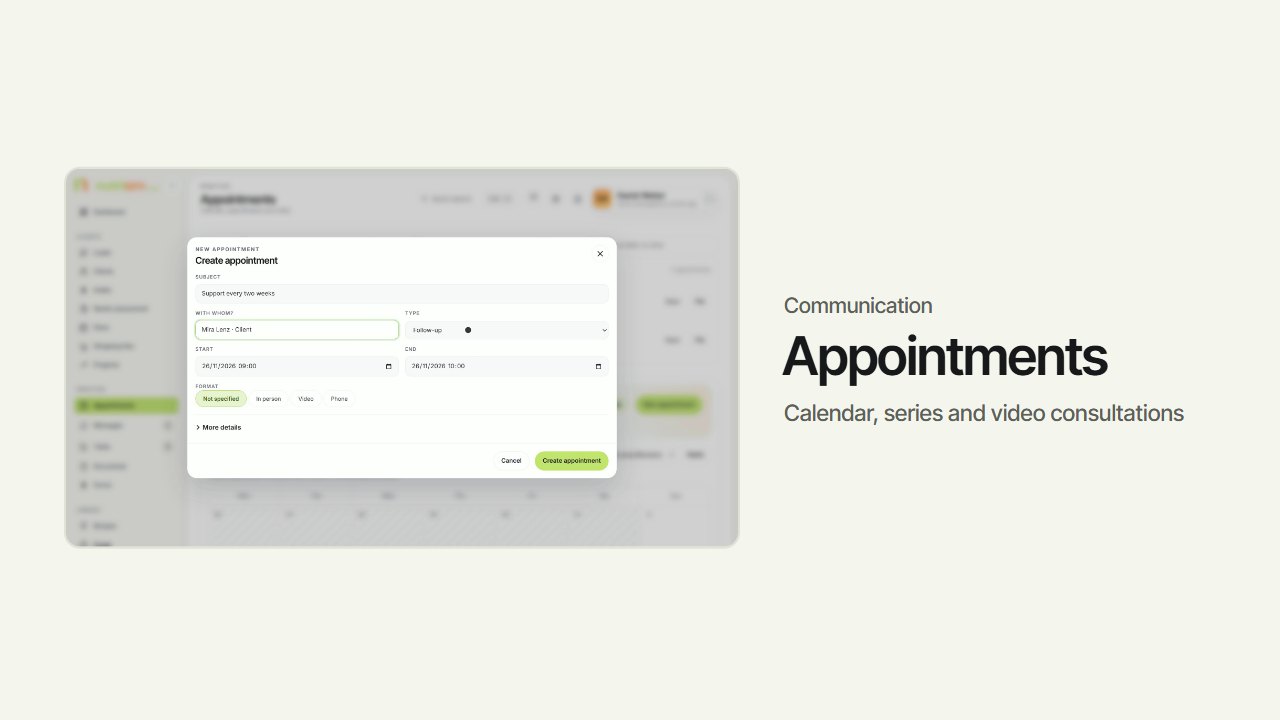 Recurring appointments and remindersIn this video you'll create a series of appointments, for example every two weeks, and see how nutriam reminds your clients of them.
Your client portal
Short guides for clients, shown on a phone. Practices simply pass on the link.
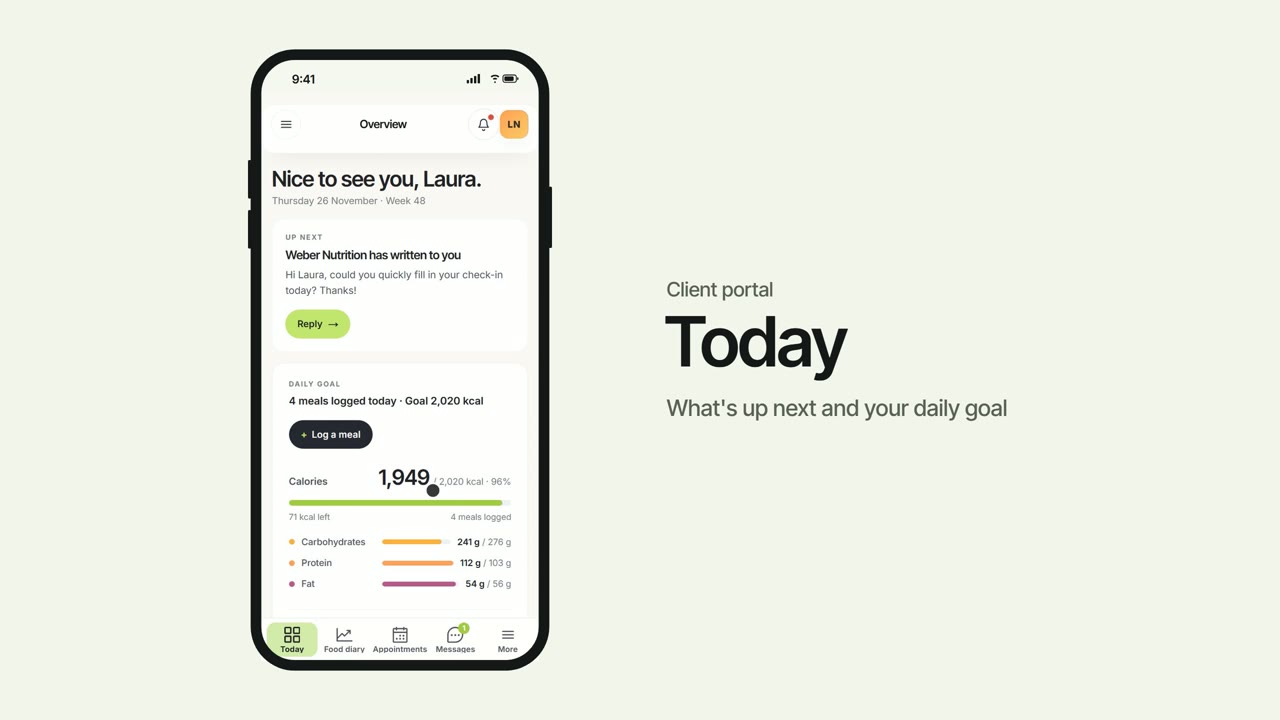 Getting started in your client portalIn this short video you'll see how to find your way around, and what's waiting for you on the Today page every day.
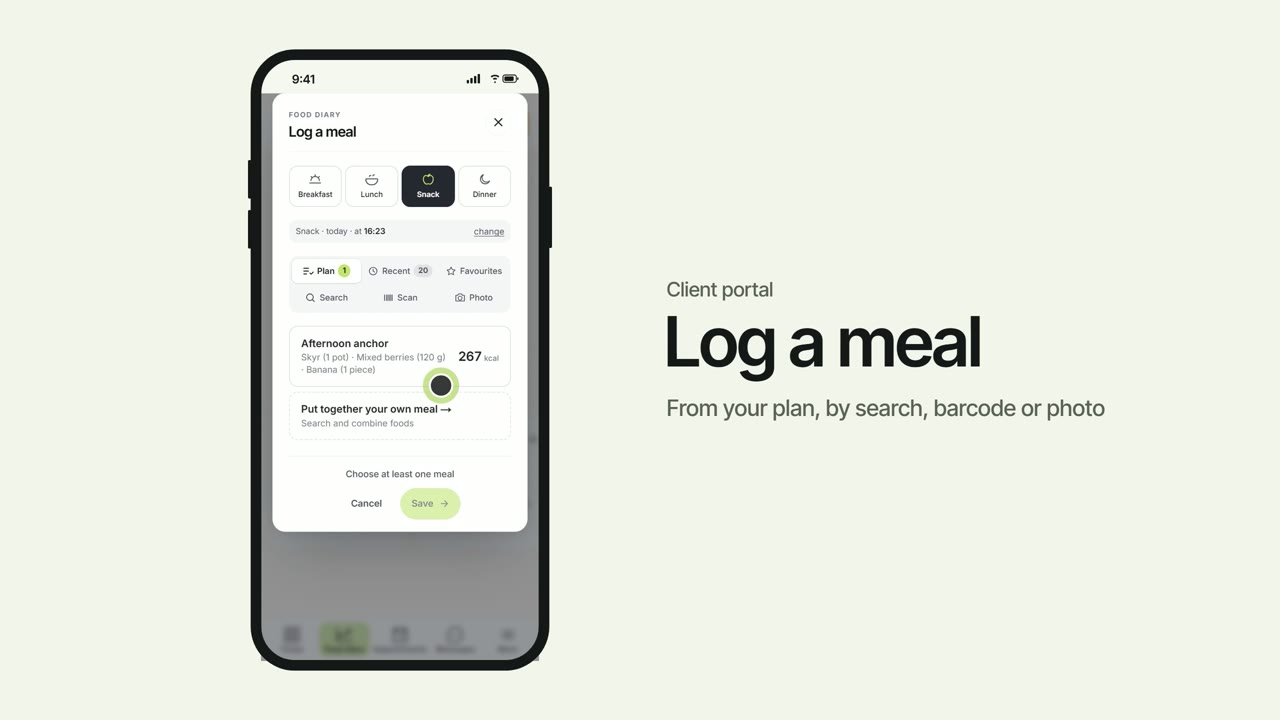 Logging your mealsIn this video you'll see how to log your meals in your food diary. Most of the time, it only takes a few seconds.
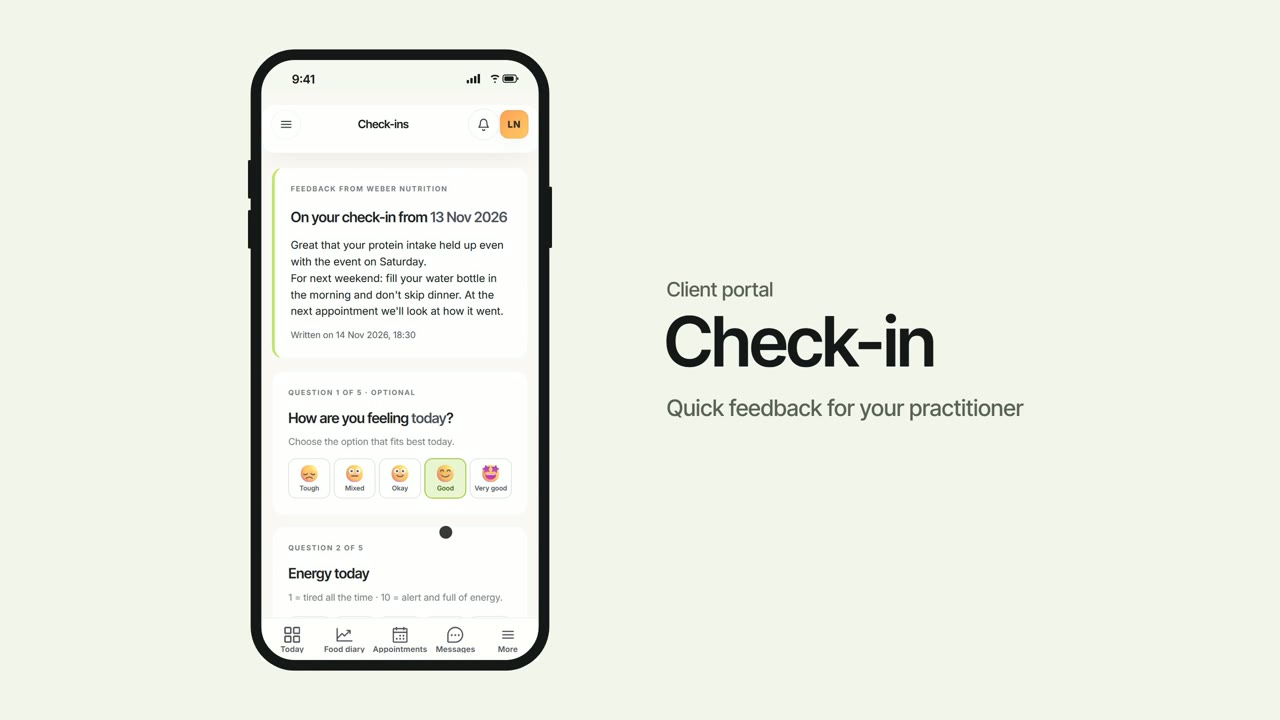 Check-ins and progressIn this video you'll see how to give your practitioner feedback with a short check-in, and how to log your progress.
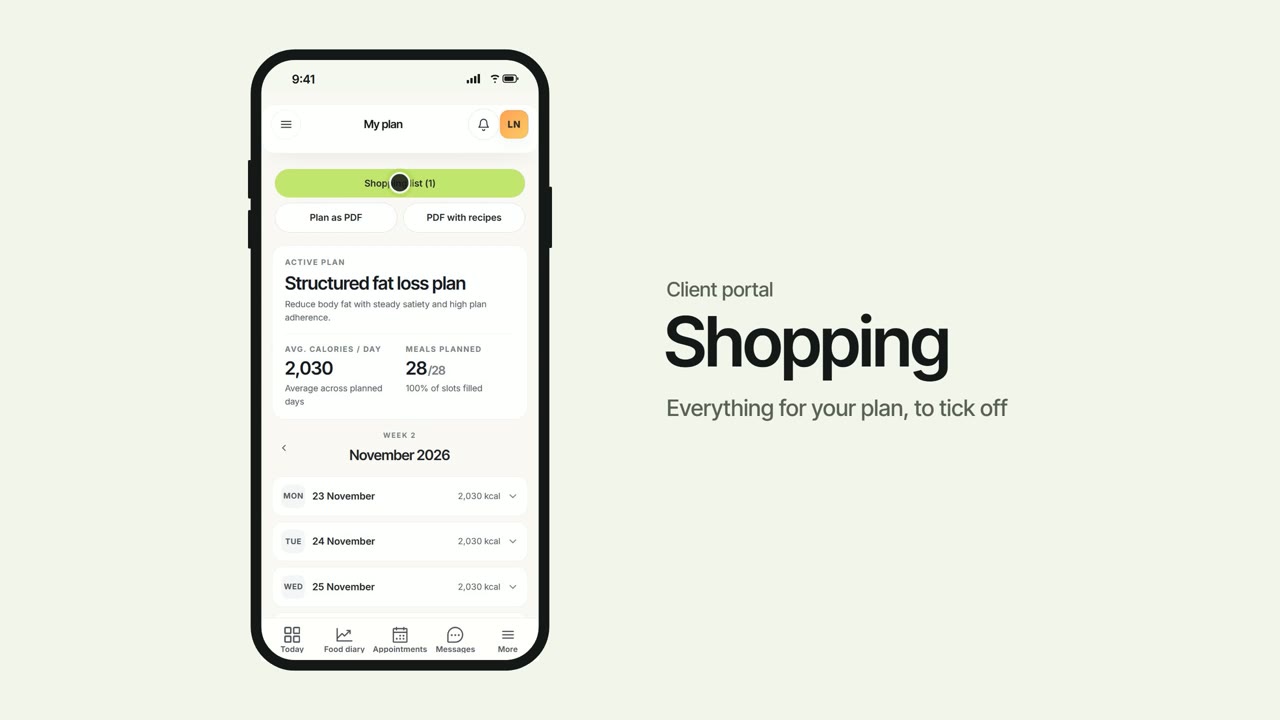 Plan, tasks and messagesIn this video you'll see your plan and shopping list, your tasks, and how to write to your practitioner.
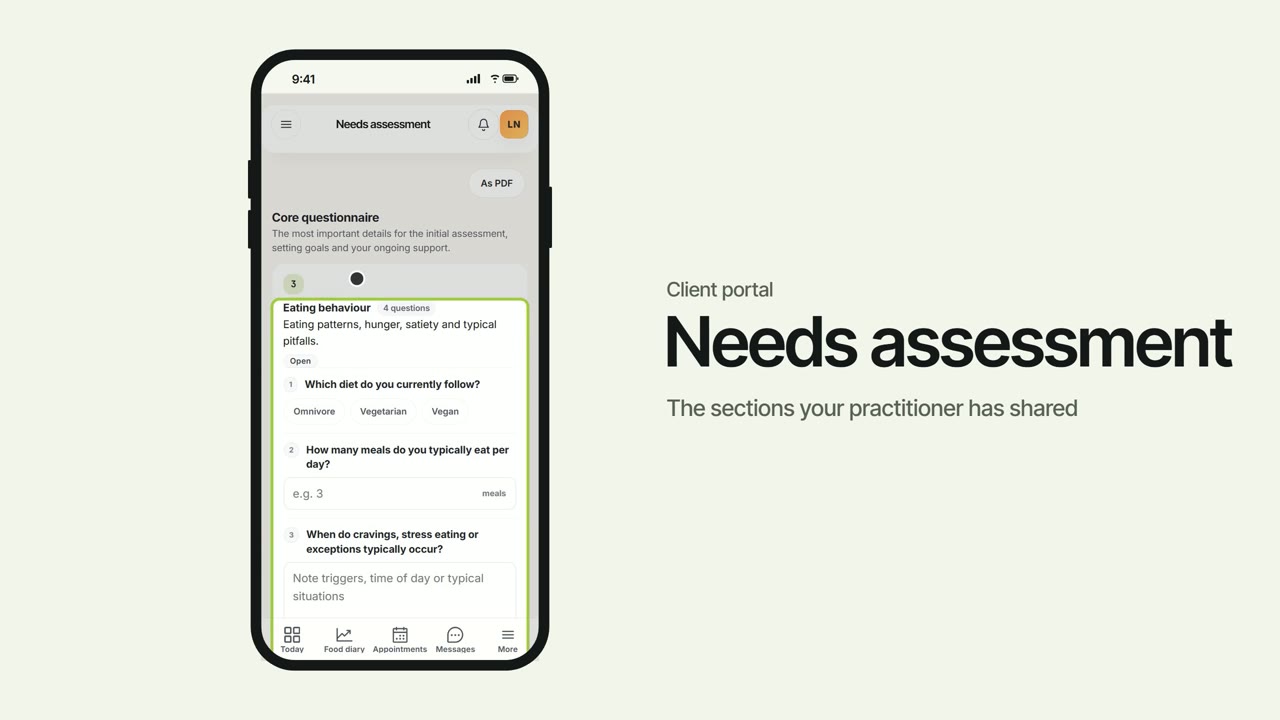 Filling in your needs assessmentIn this video you'll see how to fill in your needs assessment. Your practitioner uses it to work out your needs and plan what suits you.
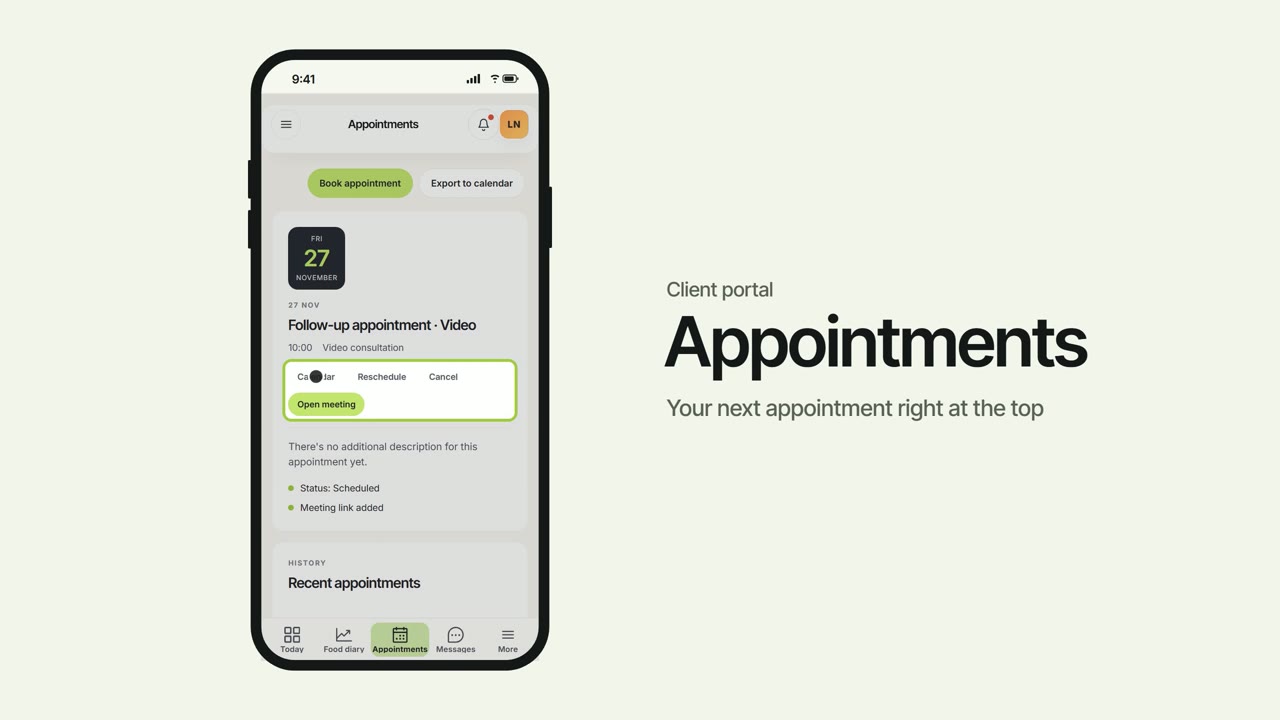 Appointments and video consultationsIn this video you'll see your appointments, how to join a video consultation and how to request a new appointment.
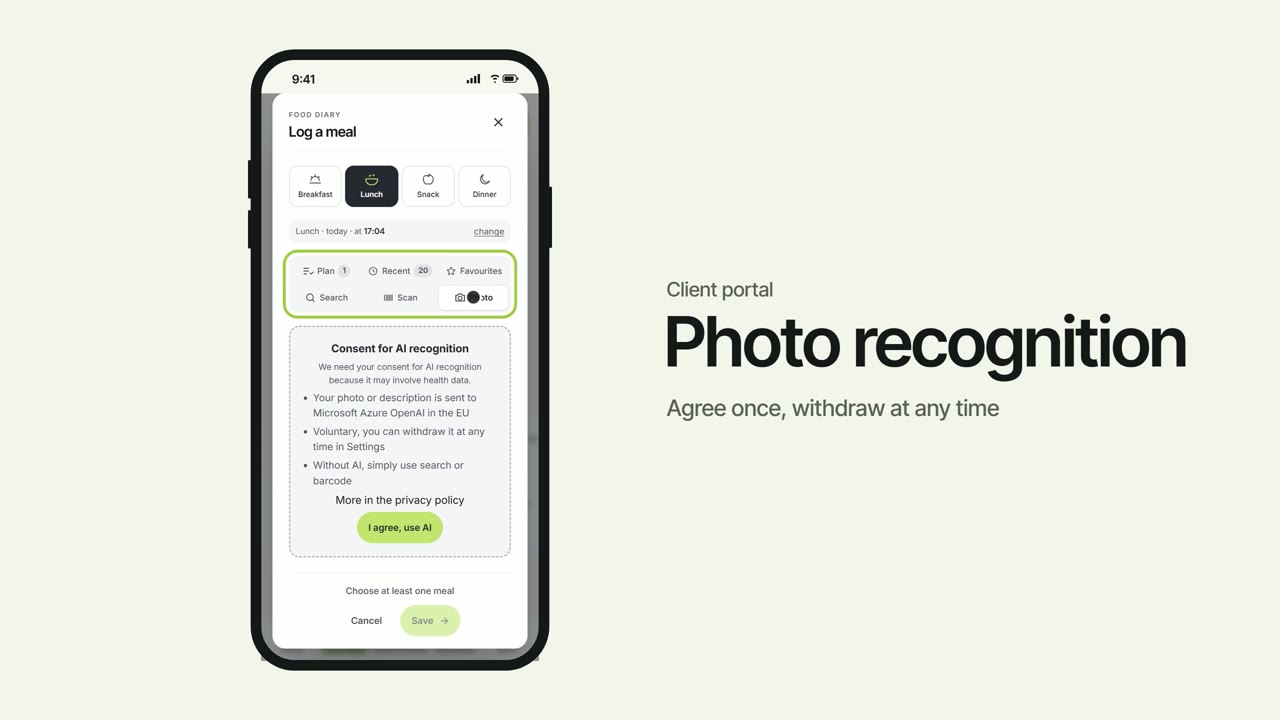 Meals by photo, text or barcodeIn this video you'll log a meal with just a few taps: by photo, by description or with the barcode on the packaging.
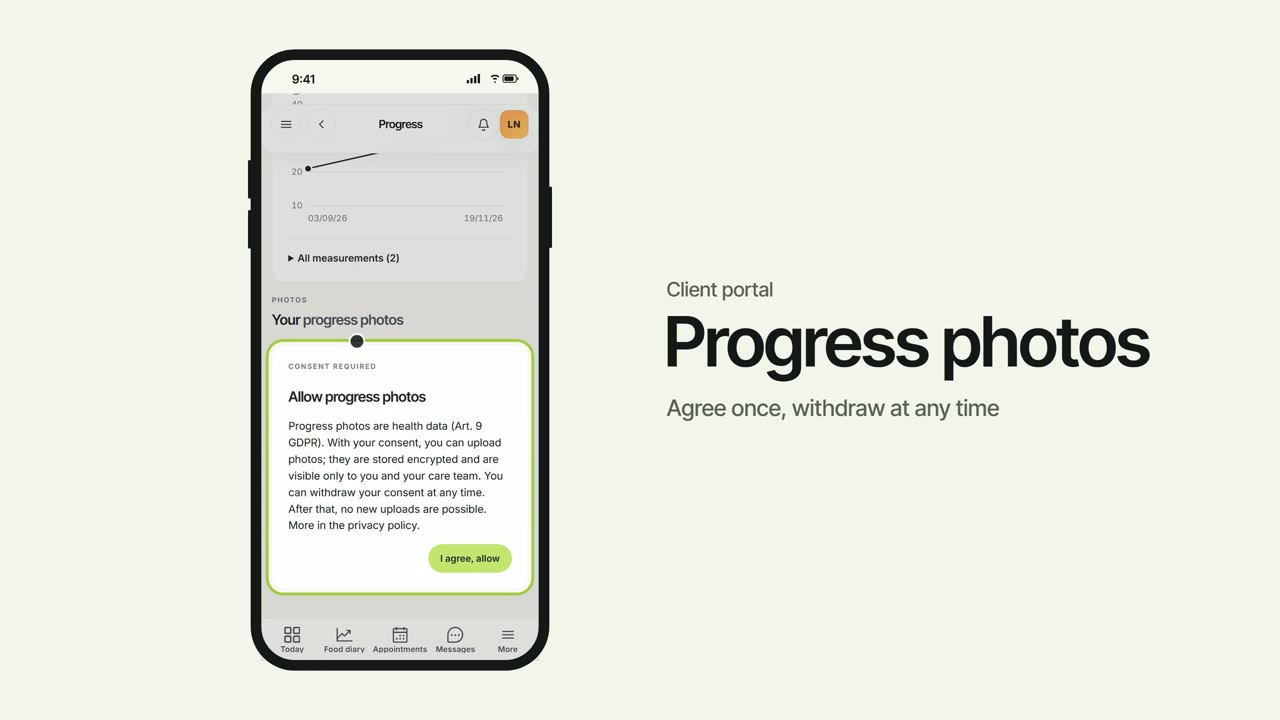 Progress photosIn this video you'll record your progress with photos. Only you and your practice team can see them.
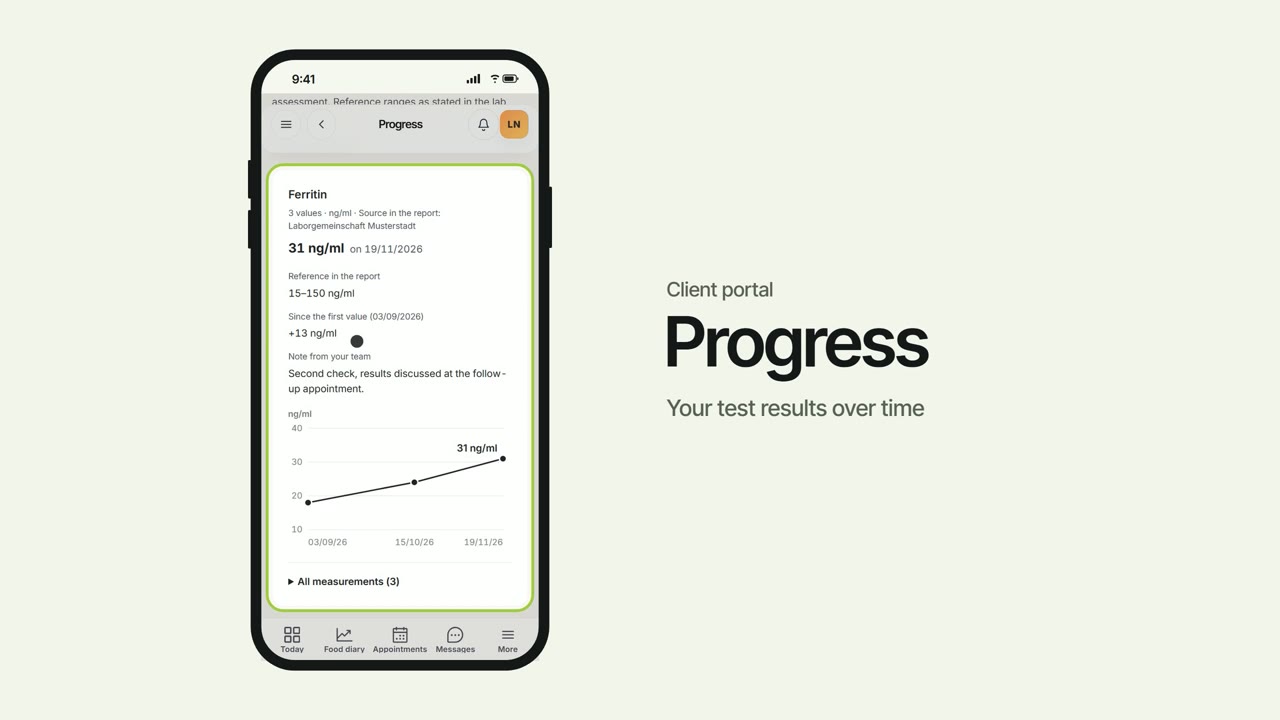 Your lab valuesIn this video you'll see your lab values in the portal: the values from your test results that your practitioner has shared with you.
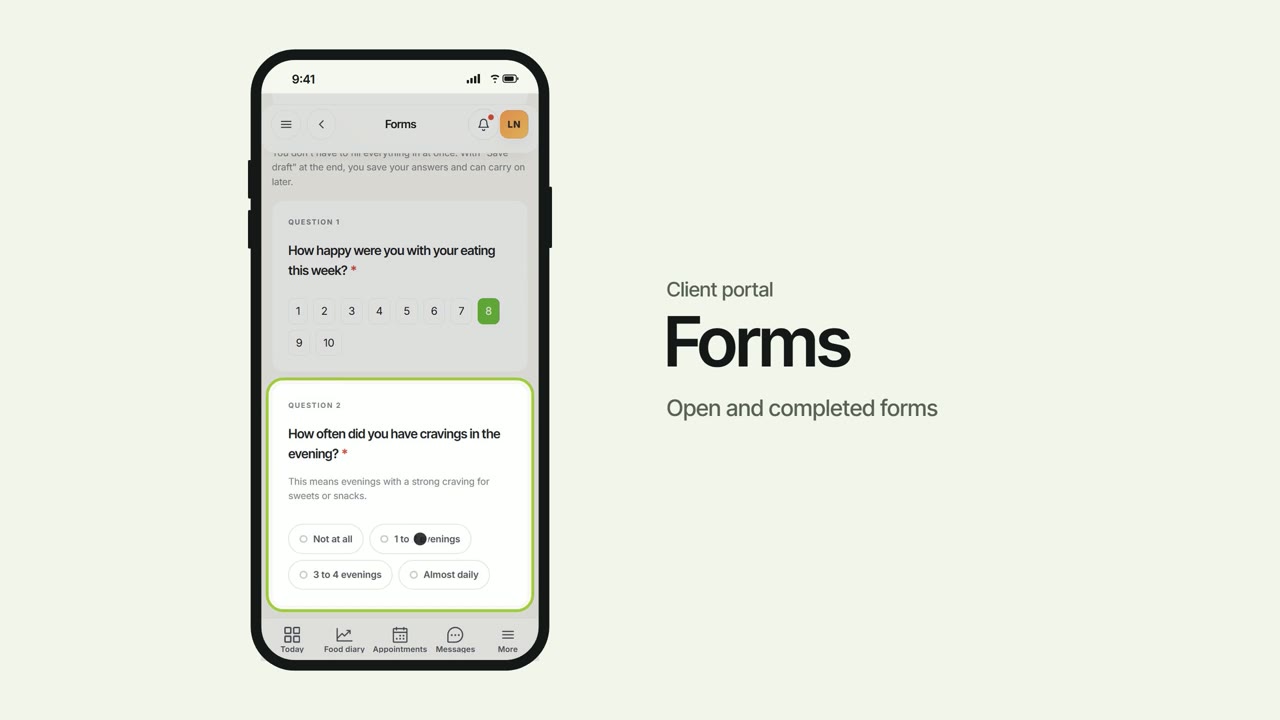 Forms and consentsSometimes your practitioner sends you a short questionnaire or a text to read and confirm. In this video you'll see where to find both and how to complete them.
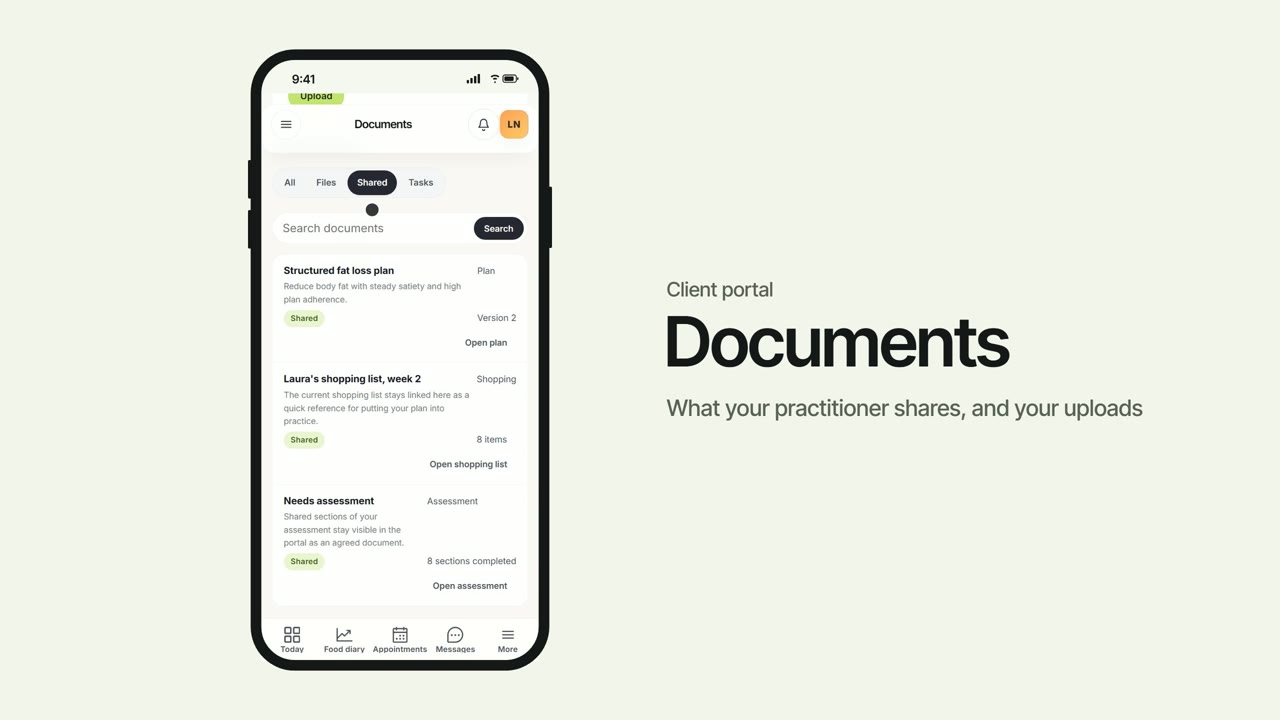 Documents and invoicesIn this video you'll find your documents and invoices in the portal, and you'll upload something for your practitioner yourself.