
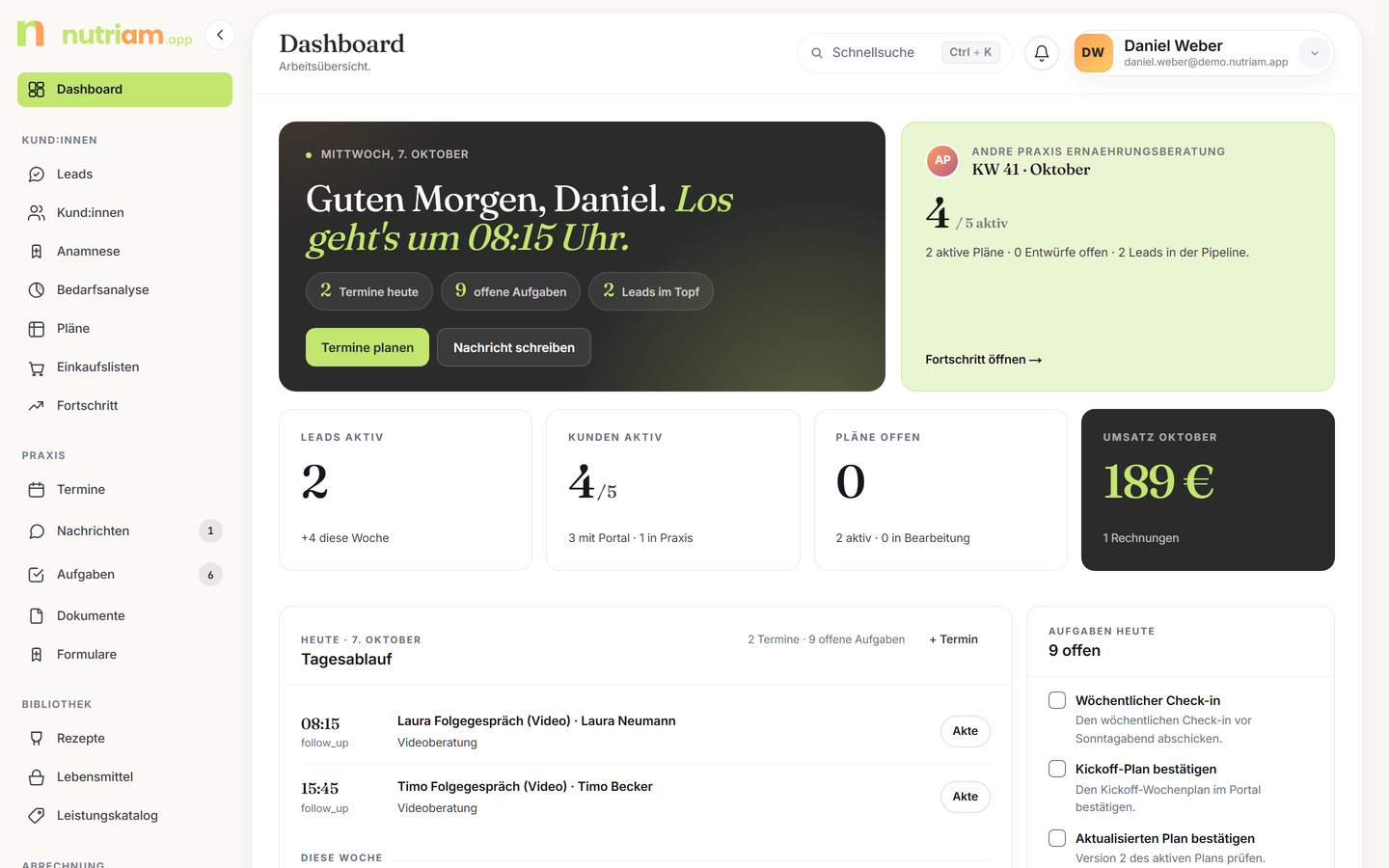
Client onboarding
From enquiry to client file
Enquiries land in your list as leads, and an initial consultation becomes a client file in a few clicks. The setup assistant guides you through setting up your practice.
For solo coaches
Enquiries, client files, nutrition tracking, client portal and GoBD-compliant invoicing (German bookkeeping rules) in one interface, instead of five separate tools. Made for the practice where you do everything yourself.
Day to day
As a solo coach, you are the expert, the practice and the admin team in one person. nutriam takes the admin off your hands, so your time goes into counselling.
The building blocks
Client onboarding
Enquiries land in your list as leads, and an initial consultation becomes a client file in a few clicks. The setup assistant guides you through setting up your practice.
Client care
Intake, needs assessment, plans, lab values and history sit in one client file. Nutrition plans show target and actual values and go out as a branded PDF.
Client portal
Your clients track by barcode and AI photo, work through tasks and book appointments themselves. Included in all tiers, with no cost per client.
Invoicing
Invoices are created from the client file, a service package or a quote: locked in line with GoBD (German bookkeeping rules), numbered without gaps, with your logo and letterhead.
Organisation
Public booking page, automatic reminders, self-service rescheduling in the portal and a task list that sorts out your day.
Costs
The Start package costs €29/month for up to 25 active clients. Portal, AI photo tracking and all features are included, nothing costs extra per client.
How you get started
Sign up, set your practice name and branding. Everything runs in the browser, with no installation.
Your existing clients move into client files via CSV import, including date of birth and address.
The portal invitation goes out straight from the client file. From then on, tracking and feedback run digitally.
Food diary reviews, appointments, check-ins and invoices run in one tool. Your evenings belong to you again, not to the paperwork.
Frequently asked questions
The Start package costs €29/month, with no cost per client. If your practice grows, you switch to the Praxis and Vollbetrieb packages, and nothing gets locked along the way.
If copying and pasting between files, scattered food diaries and Word invoices are costing you time: yes. The guide to switching from Excel shows the move step by step, including CSV import.
A browser is enough, nothing gets installed. And if you get stuck anywhere, the manual and support will help. If you like, we set it up together with you in a live demo.
Hosting in German Azure data centres, tenant separation at database level, a data processing agreement (DPA) to download and consents that can be withdrawn in the portal.
Yes. Praxis and Vollbetrieb include logins for additional practitioners, and your client files and settings are kept when you switch. The teams page shows what teamwork looks like in nutriam.
Further reading: the complete roadmap for starting out is in the guide Self-employed as a nutrition counsellor. Moving away from spreadsheets and Word templates is described in the guide Switching from Excel. What your consultation hour should cost is worked out by the fee calculator. You'll find all packages at a glance under Pricing, and the team perspective on the for teams page.
More features
Start for free: 14-day trial, no credit card, all features including the client portal.